PostQueen docs
Guides for the app, setup guides for AI agents, and the reference for the CLI and the public API.
Four ways to post
Pick the way that fits the moment. Each guide starts from zero and ends with a scheduled post.
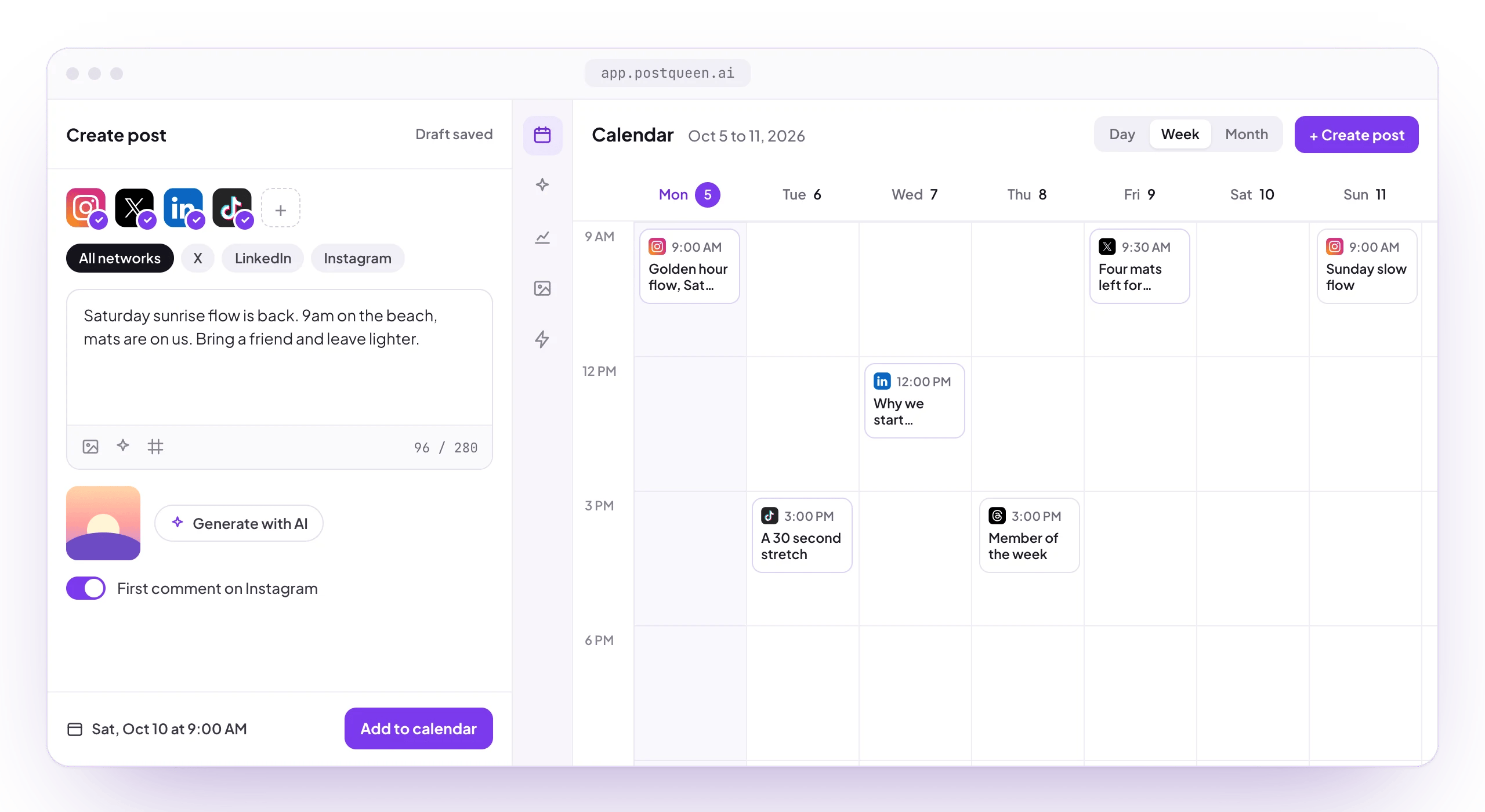


 In the appConnect your channels, write a post once and schedule it for each of them on the calendar.You need a PostQueen account and a browser.Quickstart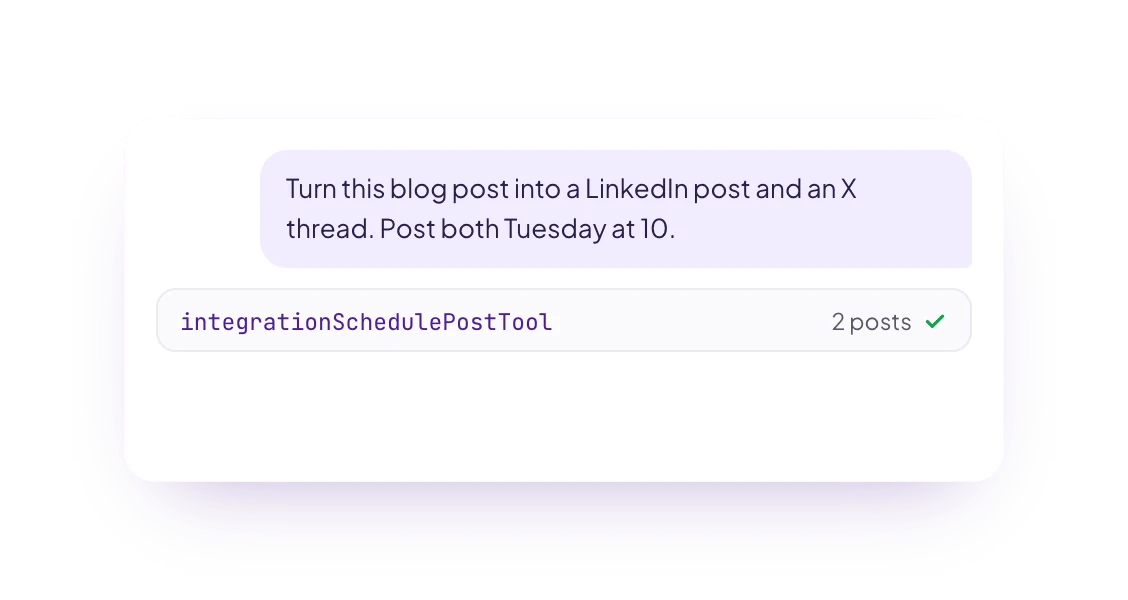


 From an AI agentAsk Grok Bot, Muse, ChatGPT, Claude or another agent in plain words. It posts through PostQueen’s MCP server or API.You need an agent that supports MCP, and the MCP address from Connections.Connect your agent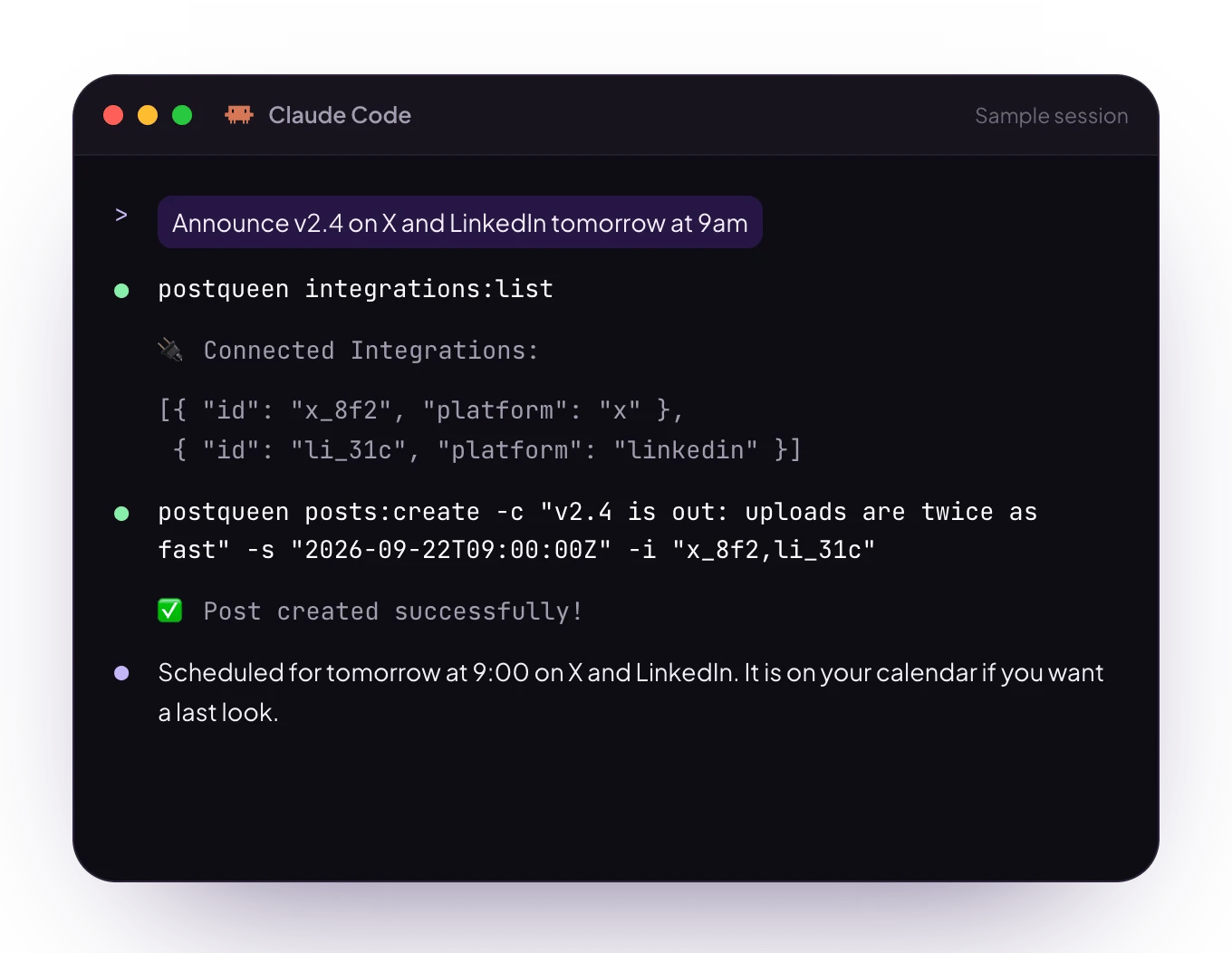


 From the CLISchedule posts, upload media and read analytics from a terminal, a script or a coding agent.You need Node.js and the workspace API key.Install the CLI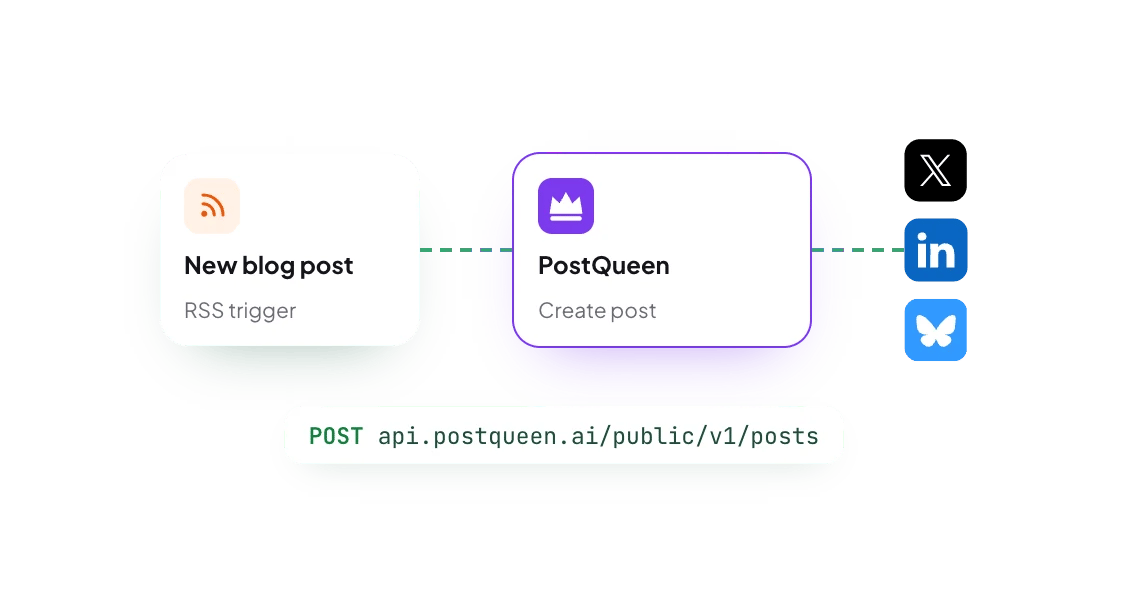
 RESTNode SDKThrough the APICall the public API from your own code, or build an app that other workspaces approve.You need the workspace API key, or an OAuth app.Read the API
 Browse the docs
Use these docs with AI
Give ChatGPT, Claude, Cursor or any other agent the docs themselves, so its answers come from them.
The Copy page menu at the top of every page copies it as Markdown, or opens it in ChatGPT, Claude, Perplexity, Cursor or VS Code. Any page is also plain Markdown when you add .md to its address.
Every page in one text file. Paste the link into a chat, or save the file and attach it.
Every page with its address and a one-line summary, so an agent can pick what to read.
Add this address to an MCP client, such as Claude or Cursor, and the agent can search these docs. It only reads the docs: to post, connect PostQueen’s MCP server.
Channels
Every network has its own page: what you can post to it, its limits, and what to check before you connect it.