

What you can post
Text
An article body of up to 100,000 characters, written in Markdown, and a title of 2 to 128 characters.
Media
One cover image. Pictures inside the article are not uploaded.
Post types
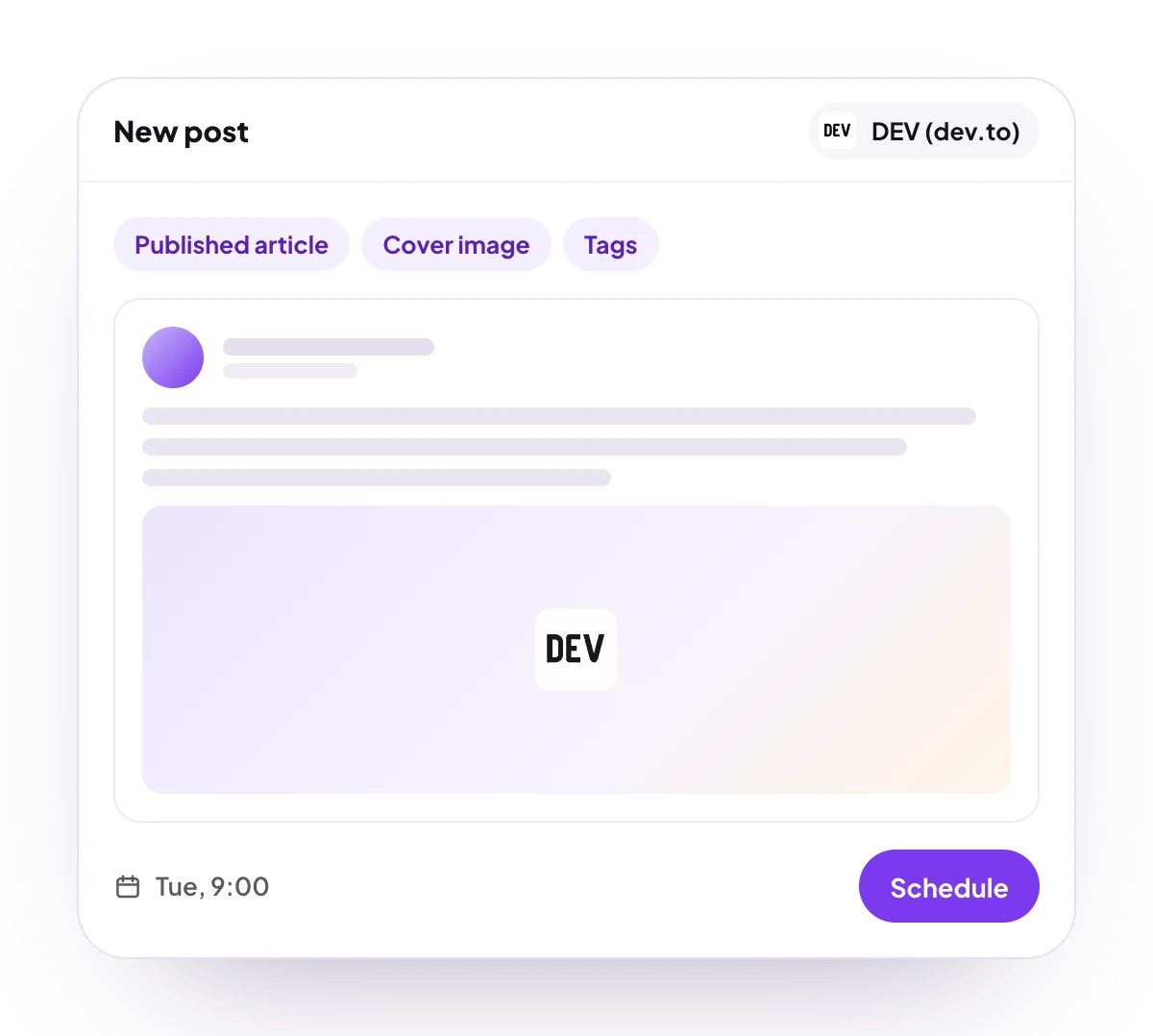
A published article, with a cover image, up to 4 tags, a canonical link and, if you like, a DEV organization.
Analytics
No analytics for DEV.
Checked before scheduling
PostQueen refuses a post that breaks these rules and shows the message in the composer:
DEV’s own rules are not checked first. DEV refuses a canonical URL that another of your articles already uses, and PostQueen then shows “Canonical URL already exists”. DEV also takes about one article a second from an account.
Connect DEV
1
Generate an API key on DEV
On DEV, open Settings, then Extensions (dev.to/settings/extensions). Under DEV Community API Keys, describe the key, for example
PostQueen, and generate it. Copy it right away: DEV does not show it again.2
Open Add Channel
In PostQueen, open Channels and choose Add Channel, then Dev.to and Enter details.
3
Paste the key
Paste the key in API key and choose Connect.
4
Check that it connected
The channel appears in the Channels list with your DEV avatar and name.
Post settings
Each DEV post in the composer has these settings:- Title: required, 2 to 128 characters.
- Canonical Link: where the article first appeared. Type a web address, or choose the lightning icon next to the label to pick another post you scheduled in PostQueen: its live address is filled in when the article is published.
- Cover picture: the image at the top of the article.
- Select organization: publish under a DEV organization. It lists only organizations you have already published an article for, and does not show at all when there are none.
- Tags (Maximum 4): tags from DEV’s list.
Comments and threads
DEV takes no follow-up comments, so the composer shows no Add comment button for a DEV post.Good to know
- The article is published on DEV at the scheduled time. It is never saved as a DEV draft.
- Invite by link does not offer DEV, because the API key is typed into PostQueen. Connect it with Connect myself.
- If you delete the key on DEV, publishing stops. Generate a new one and enter it with Update Credentials under Access on the channel’s page.
- During the free trial, a DEV account that another PostQueen workspace already connected is refused until you end the trial.
Troubleshooting
Invalid credentials
Invalid credentials
DEV did not accept the API key. Copy the key again from Settings, Extensions, or generate a new one, and connect again.
Canonical URL already exists
Canonical URL already exists
Another article on your DEV account already uses that canonical URL. Change Canonical Link, or leave it empty, and schedule the article again.
The organization I want is not in the list
The organization I want is not in the list
Select organization lists only organizations you have already published for. Publish one article for that organization on DEV first, then open the post again.
Next steps
Create a post
Write once for several channels, then schedule it, save a draft or post now.
Channels and their status
Which networks you can connect today, what each one posts, and its text limit.
Post from an AI agent
Ask Claude, ChatGPT, Grok Bot or another agent to schedule the post for you.
A post did not go out
Why a post fails and what to do about it.