

What you can post
Text
A body of up to 100,000 characters with headings, bold, underline, lists and links, and a title of at least 2 characters.
Media
One featured image, uploaded to your media library. Pictures inside the body are not uploaded.
Post types
A post, a page or any custom post type your site offers, published, saved as a draft, sent for review or kept private.
Analytics
No analytics for WordPress.
Checked before scheduling
PostQueen refuses a post that breaks these rules and shows the message in the composer:
The size of the featured image is your site’s rule, and PostQueen does not check it first: your server’s upload limit applies.
Connect WordPress
Your site’s REST API has to be reachable from the internet, and the WordPress user has to be allowed to create posts. WordPress offers Application Passwords by default only on sites served overhttps.
1
Create an Application Password
In your WordPress admin, open Users, then Profile, and scroll to Application Passwords. Name it
PostQueen, choose Add New Application Password, and copy the generated password. WordPress shows it only once.2
Open Add Channel
In PostQueen, open Channels and choose Add Channel, then WordPress and Enter details.
3
Enter the site and the login
Type the site root in Domain URL, for example
https://example.com, your WordPress username in Username, and the Application Password, spaces and all, in Password. Choose Connect.4
Check that it connected
The channel appears in the Channels list with your WordPress avatar and name.
Post settings
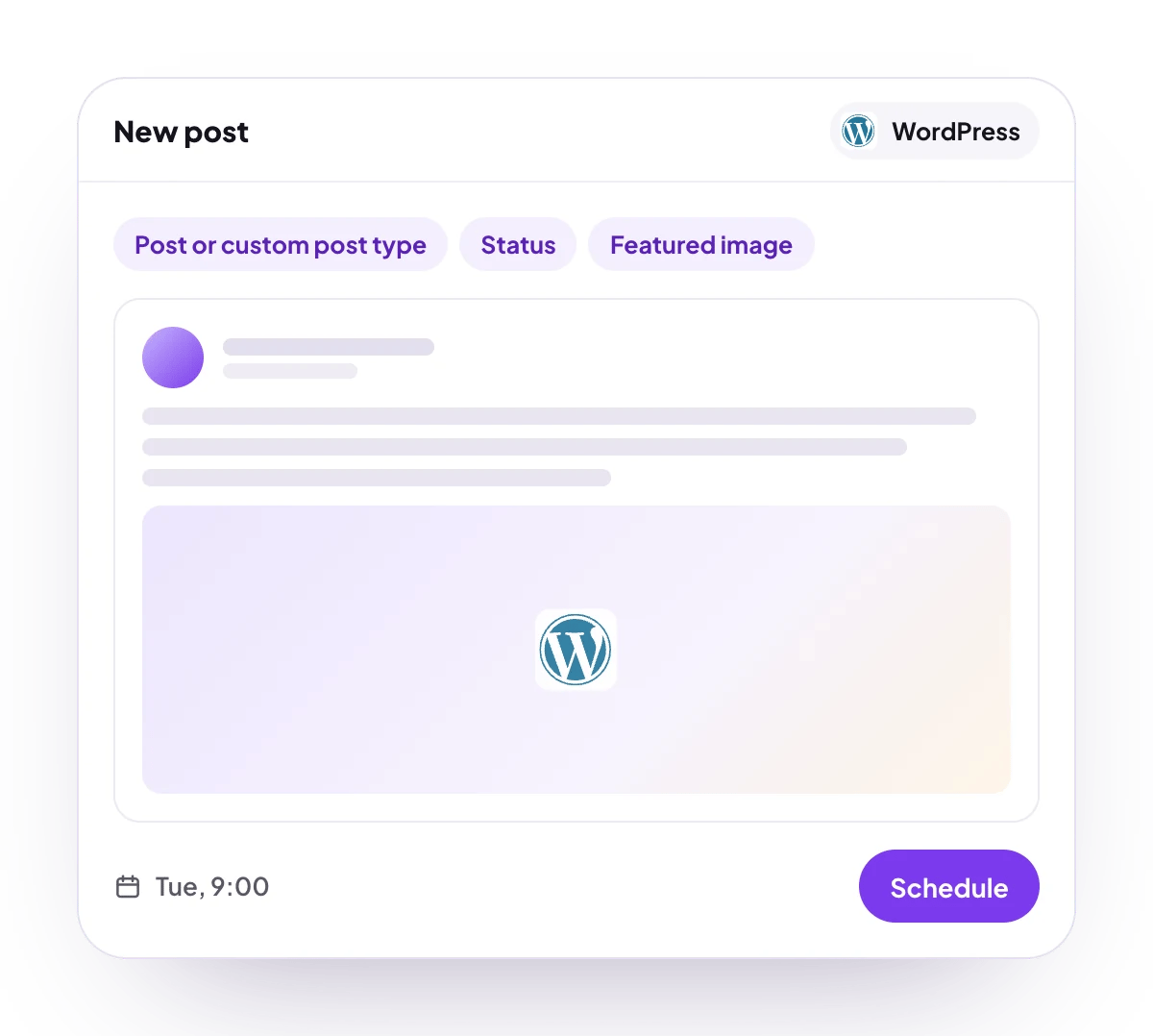
Each WordPress post in the composer has these settings:- Title: required, at least 2 characters. The post’s address (its slug) is made from it.
- Select type: required. Where the post goes: a post, a page or a custom post type from your site.
- Status: Publish, Draft, Pending (sent for review) or Private. It starts on Publish.
- Categories and WordPress Tags: picked from your site. The first 100 of each are listed.
- Cover picture: the featured image.
Comments and threads
WordPress takes no follow-up comments, so the composer shows no Add comment button for a WordPress post.Good to know
- Only sites reachable on the public internet can be connected. An address on a private or local network is refused.
- A security plugin or a server setting that blocks the REST API, or strips the Authorization header, makes the connect fail with a message that says so.
- If you revoke the Application Password, publishing stops. Create a new one and enter it with Update Credentials under Access on the channel’s page.
- Invite by link does not offer WordPress, because the Application Password is typed into PostQueen. Connect it with Connect myself.
- During the free trial, a WordPress account that another PostQueen workspace already connected is refused until you end the trial.
Troubleshooting
Could not reach your WordPress site. Check the Domain URL and that the site is publicly accessible.
Could not reach your WordPress site. Check the Domain URL and that the site is publicly accessible.
PostQueen could not open the site. Check Domain URL, including
https, and that the site loads from outside your network.WordPress did not return a valid response. The REST API may be disabled or blocked by a security plugin.
WordPress did not return a valid response. The REST API may be disabled or blocked by a security plugin.
The site answered with a page instead of REST API data, often a security or maintenance plugin. Allow the REST API and connect again.
The connect user has insufficient permissions to create posts
The connect user has insufficient permissions to create posts
The WordPress user cannot create posts of the type you picked. Give it a role such as Author or Editor, or connect with another user.
Next steps
Create a post
Write once for several channels, then schedule it, save a draft or post now.
Channels and their status
Which networks you can connect today, what each one posts, and its text limit.
Post from an AI agent
Ask Claude, ChatGPT, Grok Bot or another agent to schedule the post for you.
A post did not go out
Why a post fails and what to do about it.