

What you can post
Text
Up to 300,000 characters in the editor, sent as an HTML email with basic formatting.
Media
None. Images you attach in the editor are not sent.
Post types
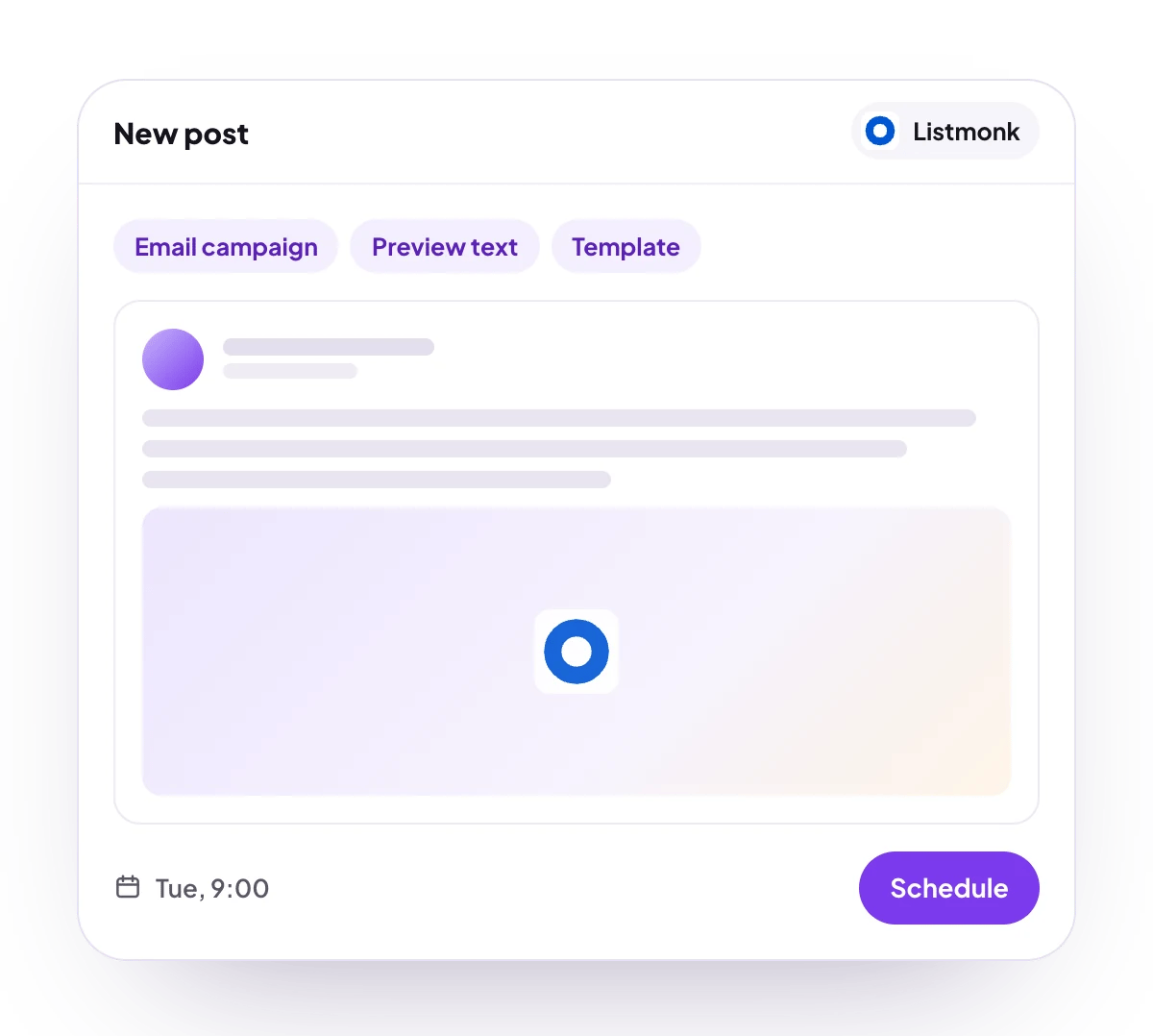
An email campaign to one list, with a subject, preview text and your default or chosen template.
Analytics
No analytics for Listmonk.
Checked before scheduling
PostQueen refuses a post that breaks these rules and shows the message in the composer:
A list your server no longer has is not checked first: Listmonk refuses the campaign when it is created.
Connect Listmonk
Your Listmonk server has to be reachable from the internet. PostQueen talks to its API with an API user, not with your admin login.1
Create an API user in Listmonk
In your Listmonk admin, open Admin, then Users, and create a user of the API type. Give it a role that can read settings, lists and templates, and create and send campaigns. Copy the token Listmonk generates for it.
2
Open Add Channel
In PostQueen, open Channels and choose Add Channel, then ListMonk and Enter details.
3
Enter the server and the API user
Type your Listmonk root address in URL, for example
https://mail.example.com, the API user’s name in Username and its token in Password. Choose Connect.4
Check that it connected
The channel appears in the Channels list with your Listmonk site name and logo.
Post settings
Each Listmonk post in the composer has these settings:- Subject: the email subject. Required.
- Preview: the preview text inboxes show next to the subject. It is added to the email as hidden text and can be left empty.
- Select List: who receives the campaign. Required, and one list per campaign.
- Select Template: Default, or one of the templates on your server.
Comments and threads
Listmonk takes no follow-up comments, so the composer shows no Add comment button for a Listmonk post.Good to know
- At the scheduled time PostQueen creates a regular campaign and sets it running, so it starts sending straight away. It is not left as a draft for you to send.
- The campaign is named after its subject.
- The link on a sent campaign opens its preview on your Listmonk server.
- Only servers reachable on the public internet can be connected. An address on a private or local network is refused.
- If you change or delete the API user’s token, publishing stops. Enter the new one with Update Credentials under Access on the channel’s page.
- Invite by link does not offer Listmonk, because the token is typed into PostQueen. Connect it with Connect myself.
- During the free trial, a Listmonk server that another PostQueen workspace already connected is refused until you end the trial.
Troubleshooting
Invalid credentials
Invalid credentials
Listmonk refused the API user or the token, or PostQueen could not reach the server. Check URL, the user’s name and the token, and that the API user’s role can read settings.
The list or template I want is not offered
The list or template I want is not offered
Select List and Select Template show what the API user may read. Give its role access to that list or to templates in Listmonk, then open the post again.
Next steps
Create a post
Write once for several channels, then schedule it, save a draft or post now.
Channels and their status
Which networks you can connect today, what each one posts, and its text limit.
Post from an AI agent
Ask Claude, ChatGPT, Grok Bot or another agent to schedule the post for you.
A post did not go out
Why a post fails and what to do about it.