

What you can post
Text
Up to 63,206 characters.
Media
Photos. A post with an MP4 video is refused.
Post types
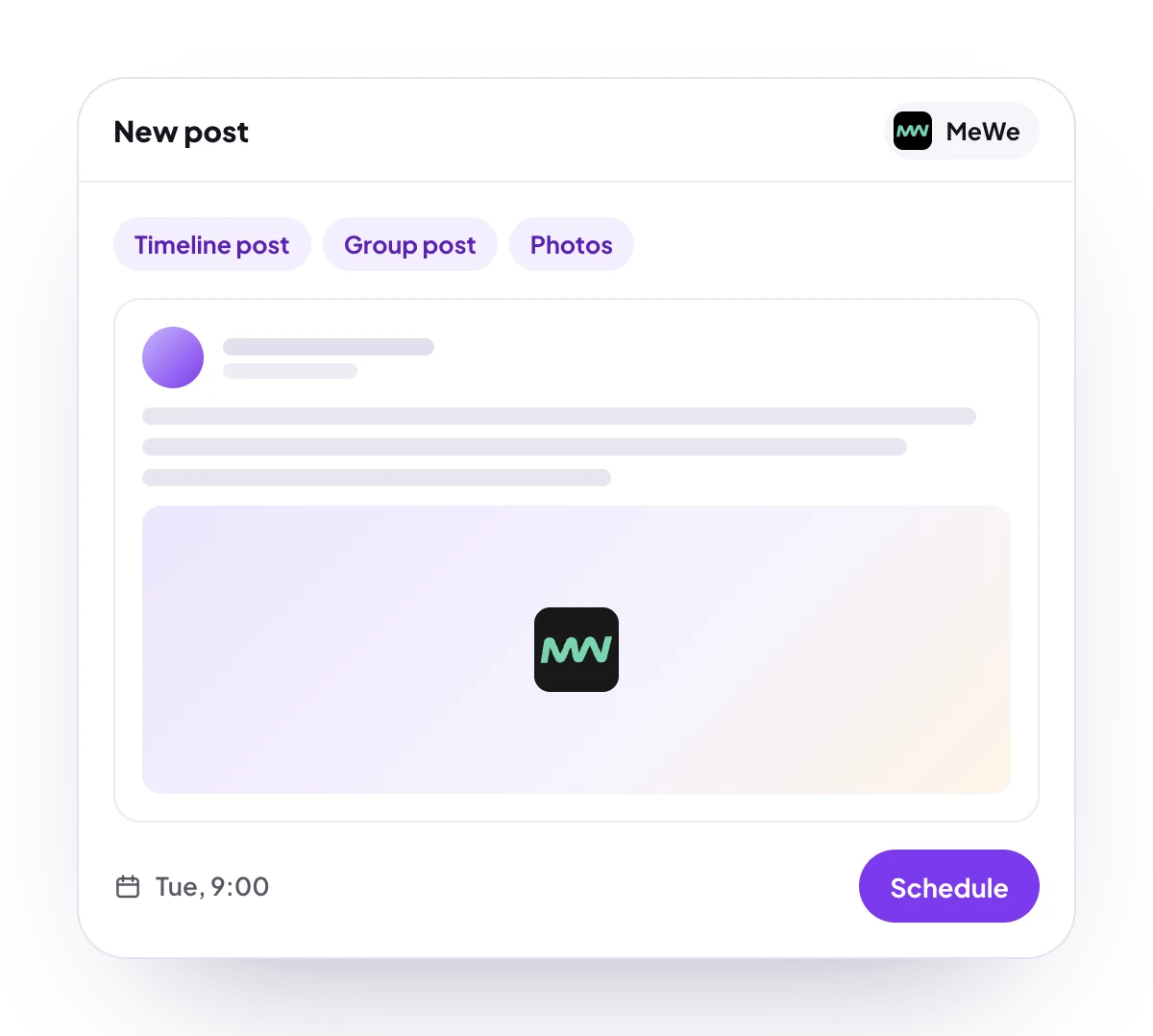
Timeline post, or a post to one group you belong to.
Analytics
No analytics for MeWe.
Connect MeWe
1
Open Add Channel
Open Channels and choose Add Channel, then MeWe.
2
Approve PostQueen
Approve PostQueen on MeWe when asked.
3
Check that it connected
The channel appears in the Channels list with its avatar and name.
Post settings
Each MeWe post in the composer has these settings:- Post To: My Timeline or Group. It starts on My Timeline.
- Select Group: the group to post to, for a Group post. Required there: a group post without one is refused with “Select a group to post to”.
Good to know
- Before a post is scheduled, PostQueen refuses one with an MP4 video: “MeWe posts can include pictures but not videos.” Any other file, a MOV video included, is sent to MeWe as a photo, and MeWe may refuse it.
- The link to a published post opens your timeline or the group, not the post itself.
- The connection lasts until MeWe’s sign-in expires, or 30 days, and cannot be renewed on its own. Reconnect the channel when it asks.
Next steps
Create a post
Write once for several channels, then schedule it, save a draft or post now.
All channels
What each network posts, its text limit and how to connect it.
Post from an AI agent
Ask Grok Bot, Muse, ChatGPT, Claude or another agent to schedule the post for you.
A post did not go out
Why a post fails and what to do about it.