

What you can post
Text
Up to 32,768 characters. A blank line starts a new text block, and a block longer than 4,096 characters is split.
Media
Up to 30 images with alt text, and one MP4 video. Images and a video can go in the same post.
Post types
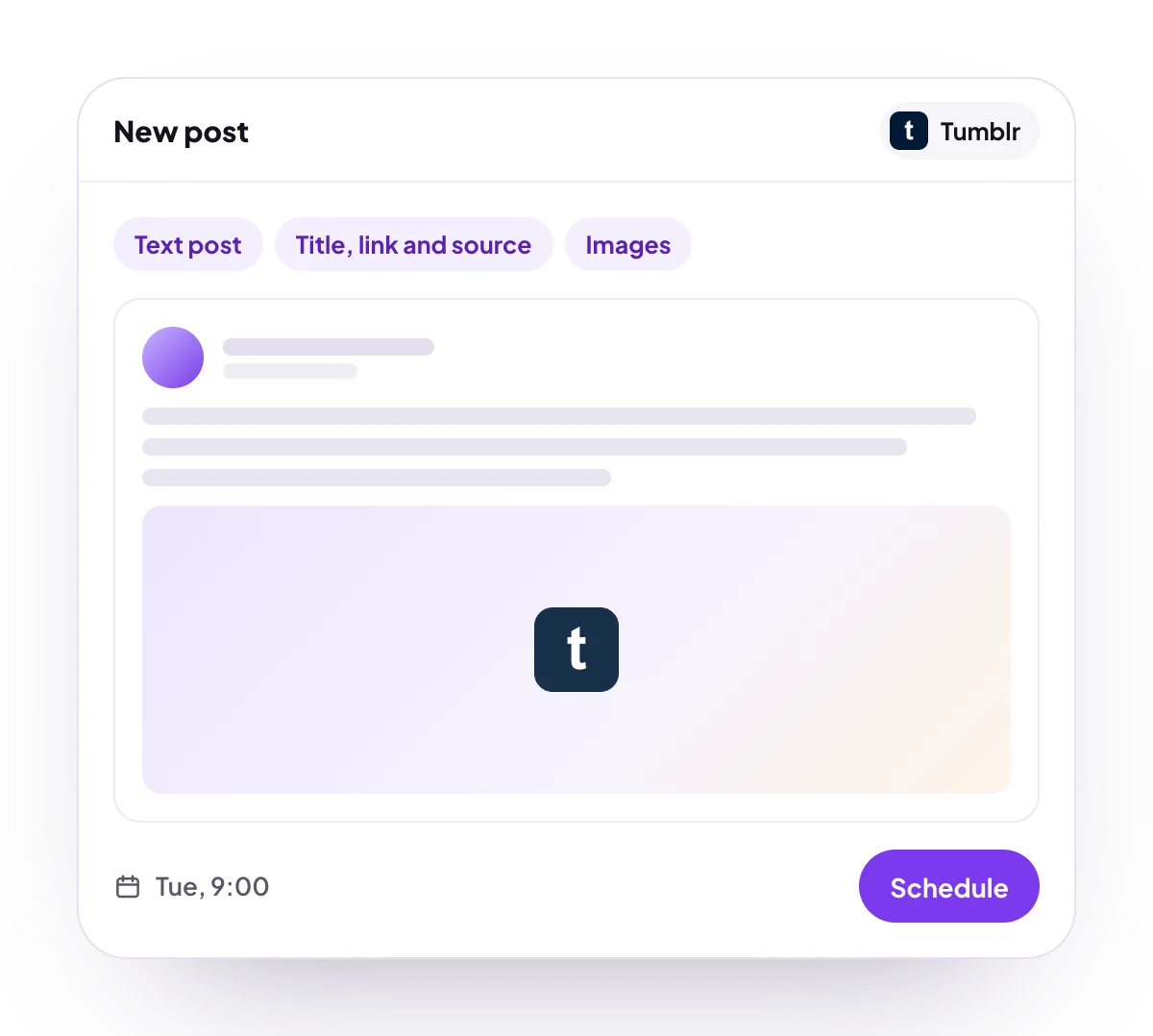
Text post with an optional title heading, link, source URL and tags, published on the blog you pick.
Analytics
No analytics for Tumblr.
Connect Tumblr
Each channel is one of your blogs.1
Open Add Channel
Open Channels and choose Add Channel, then Tumblr.
2
Sign in to Tumblr
Sign in to Tumblr and approve access.
3
Pick the blog
Choose which of your blogs to post to.
4
Check that it connected
The channel appears in the Channels list with its avatar and name.
Post settings
Each Tumblr post in the composer has these settings, all optional:- Title: a heading at the top of the post.
- Link URL: a link block added after the text.
- Source URL: the source credited on the post.
- Tags: sent to Tumblr as you type them. Separate tags with commas.
Good to know
- Before a post is scheduled, PostQueen checks that it has at most 30 images and one video.
- Tumblr sets daily caps per account: 250 posts, 250 image uploads, 20 video uploads and 60 minutes of video. When one is reached, the post fails with a message that says which.
- A video can be up to 500 MB and 10 minutes long. PostQueen does not check this first.
- Every post is published on the blog straight away when its time comes.
Next steps
Create a post
Write once for several channels, then schedule it, save a draft or post now.
All channels
What each network posts, its text limit and how to connect it.
Post from an AI agent
Ask Grok Bot, Muse, ChatGPT, Claude or another agent to schedule the post for you.
A post did not go out
Why a post fails and what to do about it.