

What you can post
Text
Up to 63,206 characters. A text-only post of 130 characters or fewer can sit on a colored background.
Media
Any number of photos in one post, or one MP4 video. Facebook takes photos up to 10 MB.
Post types
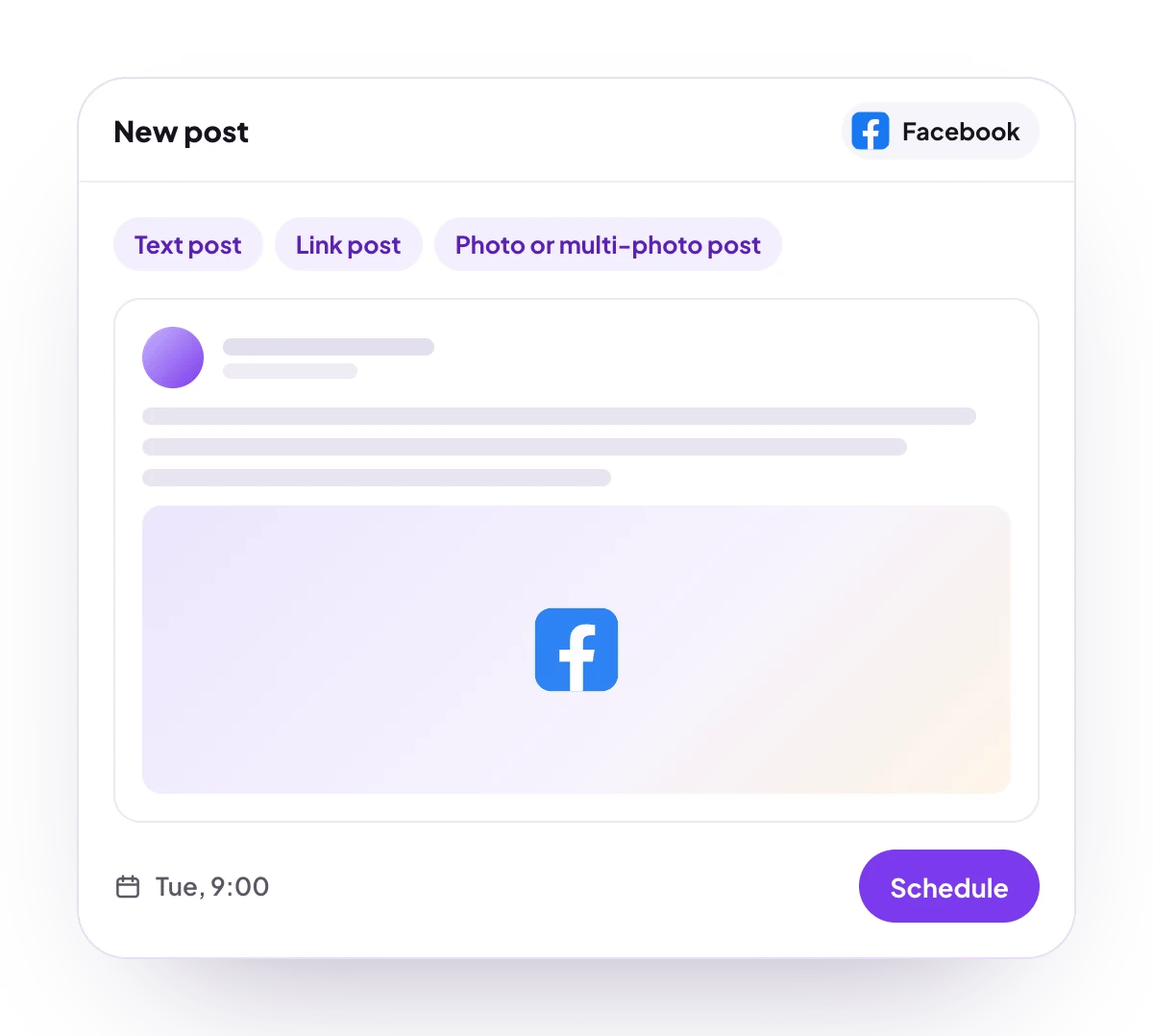
Text, link, photo, multi-photo and video posts, and Page Stories with photos or videos.
Analytics
7, 30 or 90 days: Page reach, media views, post engagement and new follows by day, plus reach, clicks and reactions for each post, and plays, reactions, comments and shares for each Reel.
Checked before scheduling
PostQueen refuses a post that breaks these rules and shows the message in the composer:
Photo size and video length are Facebook’s rules, and PostQueen does not check them first. Facebook takes photos in JPEG, PNG, GIF, BMP or TIFF up to 10 MB, and story videos up to 60 seconds. When Facebook refuses a post, PostQueen shows its reason, for example “You are posting too fast, please slow down”.
Connect Facebook
You need a Facebook Page and a role on it that can create posts. Personal profiles and Groups cannot be connected.Facebook is in review. Until Meta approves PostQueen’s app, only accounts with a role on that app can finish these steps.
1
Open Add Channel
Open Channels and choose Add Channel, then Facebook Page.
2
Log in with Facebook
Log in with the Facebook account that manages the Page. Share the Page when Facebook asks which ones to include, and approve every permission. PostQueen needs all of them.
3
Pick the Page
In Select Page, pick one or more Pages and choose Save. Pages you manage through Business Manager are listed as well. When there is only one, choose Connect this channel.
4
Check that it connected
The Page appears in the Channels list with its picture and name.
Post settings
Each Facebook post in the composer has these settings:- Post Type: Post or Story. It starts on Post. A story needs a photo or a video, and each item goes out as its own story.
- Embedded URL (only for text Post): a link attached to the post.
- Background: a colored or illustrated background behind a text-only post of 130 characters or fewer, chosen from 74 presets. Facebook publishes no official list, so the colors are approximate, and a background Facebook no longer accepts is dropped: the post goes out as plain text.
Comments and threads
Add comment schedules follow-up comments under the post. Each one replies to the comment before it, has its own delay, and can carry one image. Facebook takes images on comments, not video, and only the first attached item is sent.Good to know
- The connection lasts about 59 days. After that the Page shows Needs reconnecting: choose Reconnect channel in its menu.
- When the first attached item is a video, only that video is published and the other items are ignored. When a photo comes first, every item is sent as a photo.
- Several items in one story post go out as separate stories, one at a time. If a story post is interrupted, PostQueen stops rather than risk posting twice and asks you to check the Page.
- The follower numbers are new follows per day, not a running total. Comments and shares are counted for Reels only.
- During the free trial, a Page that another PostQueen workspace already connected is refused until you end the trial.
Troubleshooting
Not enough scopes, when choosing a provider, please add all the scopes
Not enough scopes, when choosing a provider, please add all the scopes
A permission was switched off on Facebook’s screen. Connect the Page again and approve every permission.
Facebook rejected the post due to missing permissions
Facebook rejected the post due to missing permissions
Make sure your Facebook account has full content access to the Page, then reconnect the channel.
Photos should be smaller than 4 MB and saved as JPG, PNG
Photos should be smaller than 4 MB and saved as JPG, PNG
Facebook refused a photo. Use a smaller JPG or PNG and schedule the post again.
Confirm your identity before you can publish as this Page
Confirm your identity before you can publish as this Page
Facebook wants an identity check for the Page. Open the Facebook app on your phone and follow its instructions, then schedule the post again.
You are posting too fast, please slow down
You are posting too fast, please slow down
Facebook throttled the Page. Space the posts out and try again later.
Next steps
Create a post
Write once for several channels, then schedule it, save a draft or post now.
Channels and their status
Which networks you can connect today, what each one posts, and its text limit.
Post from an AI agent
Ask Claude, ChatGPT, Grok Bot or another agent to schedule the post for you.
A post did not go out
Why a post fails and what to do about it.