

What you can post
Text
Up to 3,000 characters. A link stays plain text: LinkedIn does not build a preview card from it.
Media
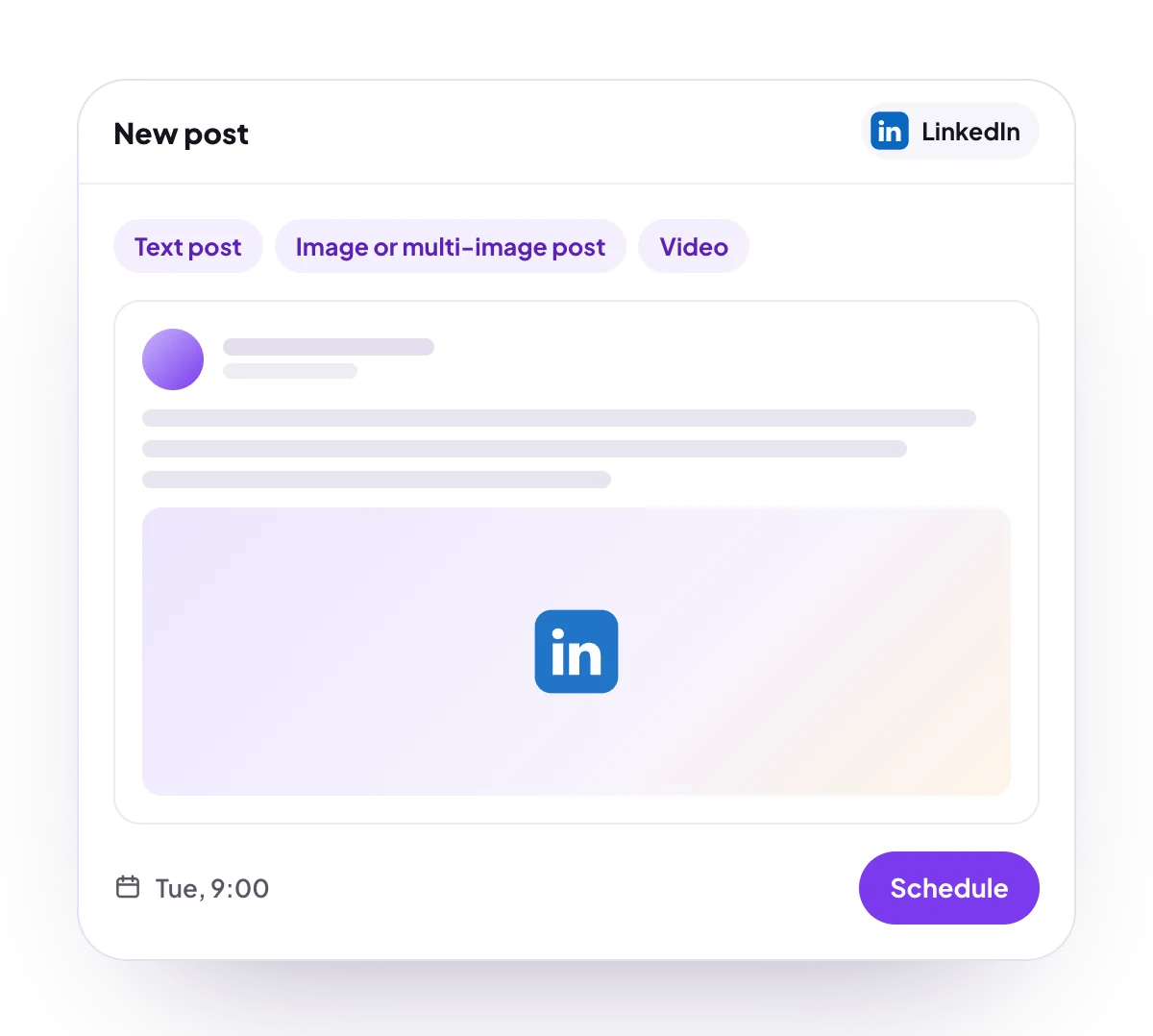
One image, up to 20 in a multi-image post, or one MP4 video on its own. Large images are resized to fit LinkedIn’s limits.
Post types
Text post, image post, multi-image post, video post and document carousel, on profiles and company pages.
Analytics
Company pages only, over 7, 30 or 90 days: page views, clicks, shares, engagement, comments and daily follower gains, plus impressions, clicks, likes, comments, shares and engagement for each post. No analytics for personal profiles.
Connect LinkedIn
LinkedIn is listed in Add Channel, but it cannot be connected on PostQueen yet. It has two tiles: LinkedIn for your personal profile, and LinkedIn Page for a company page where you are an administrator or content administrator.
Post settings
Each LinkedIn post in the composer has these settings:- Post as images carousel: Post or Carousel. Carousel turns 2 or more images into one swipeable document post. It works on profiles and company pages.
- Carousel slide name: the title of the document carousel. Left empty, it is
slides.
Good to know
- Before a post is scheduled, PostQueen checks that a multi-image post has at most 20 images, a video is the only media, a document carousel has 2 or more images and no video, and comments are text only.
- Add comment adds your own text comments under the post, each with its own delay.
- Mention a company page by typing
@and the page’s vanity name, the part afterlinkedin.com/company/in its address. - Images larger than LinkedIn allows are scaled down to fit inside 6,000 by 6,000 pixels. Formats other than JPEG, PNG and GIF are converted to JPEG. A GIF goes up unchanged.
- PostQueen waits until LinkedIn has processed the media before it creates the post.
- In the composer, Add comments by a different account and Add Re-posters let your other LinkedIn profiles and pages comment on the post or reshare it.
- On company pages, Auto Repost Posts and Auto plug post in the channel’s Automations on the Channels page reshare the post, or add a comment to it, once it reaches a like count you set. The post is checked every 6 hours, up to 3 times. See how automations work.
Next steps
Create a post
Write once for several channels, then schedule it, save a draft or post now.
Channels and their status
Which networks you can connect today, what each one posts, and its text limit.
Post from an AI agent
Ask Claude, ChatGPT, Grok Bot or another agent to schedule the post for you.
A post did not go out
Why a post fails and what to do about it.