

What you can post
Text
500 bytes per post and per reply. Plain ASCII letters count 1 and every other character 2 to 4, so text with accents or emoji fits fewer than 500 characters.
Media
JPEG or PNG images and MP4 videos: one item, or a carousel of 2 to 20 mixed. GIF, WebP, AVIF, BMP and TIFF are refused.
Post types
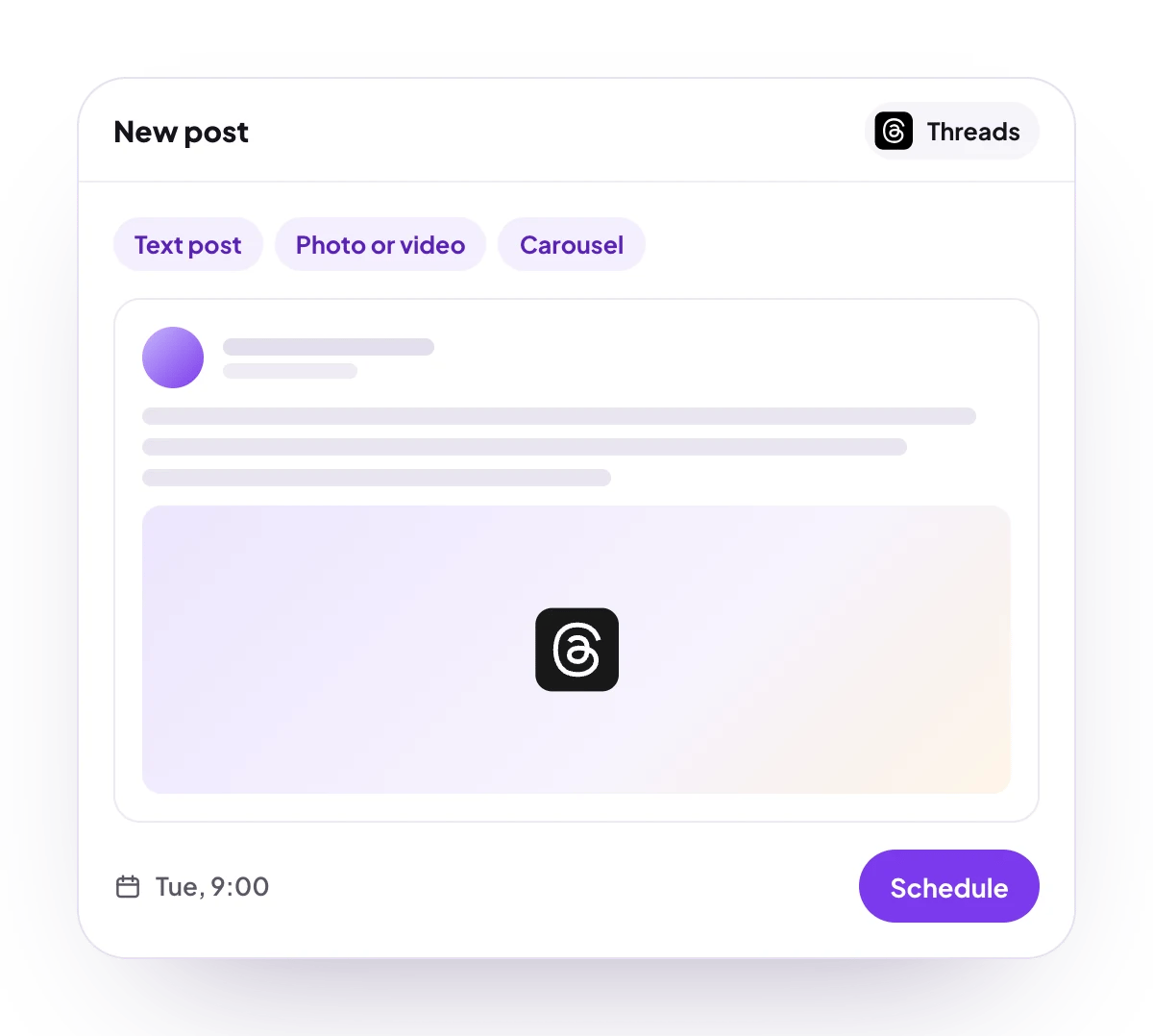
Text post, photo or video, carousel and multi-part thread, plus an automatic plug reply.
Analytics
7 or 30 days: views, likes, replies, reposts and quotes, for the account and for each post. No follower count.
Checked before scheduling
PostQueen refuses a post that breaks these rules and shows the message in the composer:
The composer’s counter measures a Threads post in bytes too. Threads documents byte counting for emoji only, so a post full of accented letters can be refused by PostQueen although Threads might take it.
Image size and video length are Threads’ rules, and PostQueen does not check them first. Threads takes images up to 8 MB and videos up to 5 minutes and 1 GB, and allows 250 posts and 1,000 replies in any 24 hours.
Connect Threads
Threads is in review. Until Meta approves PostQueen’s Threads app, only accounts added as Threads testers on that app can finish these steps.
1
Open Add Channel
Open Channels and choose Add Channel, then Threads.
2
Sign in to Threads
Sign in with the Threads profile you want to post to, and approve every permission you are asked for. PostQueen needs all of them.
3
Check that it connected
The channel appears in the Channels list with its avatar and name.
Post settings
Threads has no post settings. The API takes"__type": "threads" and nothing else, as Threads posting settings shows.
Comments and threads
Continue thread adds parts to the post. Each part is posted as a reply to the part before, can carry an image, a video or a carousel, and has its own delay. Every part is held to the same limits as the first post. Add a thread finisher adds a closing post, such as a thank-you or a follow link, after the other parts. When you save, it becomes the thread’s last part, which you can then edit like the others. In the channel’s Automations on the Channels page (how automations work), Auto plug post adds a reply you write in advance once the post passes a number of likes you set. It checks the post every 6 hours, up to 3 times.Good to know
- Threads downloads each file from PostQueen when the post is published, so attach media from the PostQueen media library.
- When Threads takes too long to process the media of a reply, the post fails with “Threads took too long to process the media, please try again”. Schedule it again.
- The connection renews itself.
- During the free trial, a Threads account that another PostQueen workspace already connected is refused until you end the trial.
Troubleshooting
Threads accepts JPEG or PNG images only
Threads accepts JPEG or PNG images only
Convert GIF, WebP, AVIF, BMP or TIFF images to JPEG or PNG, attach them again and schedule the post.
Error from Meta: We restrict certain activity to protect our community
Error from Meta: We restrict certain activity to protect our community
Meta limited the account for a while. Post less often and try again later.
One of the media URLs is invalid or inaccessible, make sure it's being uploaded to PostQueen first
One of the media URLs is invalid or inaccessible, make sure it's being uploaded to PostQueen first
Threads could not download a file. Upload it to the PostQueen media library, attach it from there and schedule the post again.
Threads access token expired
Threads access token expired
Choose Reconnect channel in the channel’s menu and sign in to Threads again.
Next steps
Create a post
Write once for several channels, then schedule it, save a draft or post now.
Channels and their status
Which networks you can connect today, what each one posts, and its text limit.
Post from an AI agent
Ask Claude, ChatGPT, Grok Bot or another agent to schedule the post for you.
A post did not go out
Why a post fails and what to do about it.