

What you can post
Text
A description of up to 40,000 characters, and a title, which every shot needs.
Media
Exactly one image of 400 × 300 or 800 × 600 pixels. Dribbble takes GIF, JPG or PNG files of up to 8 MB.
Post types
Shot, on your own profile or for a team you belong to.
Analytics
No analytics for Dribbble.
Connect Dribbble
Dribbble is listed in Add Channel, but it cannot be connected on PostQueen yet. The account you connect will need to be allowed to upload shots.
Post settings
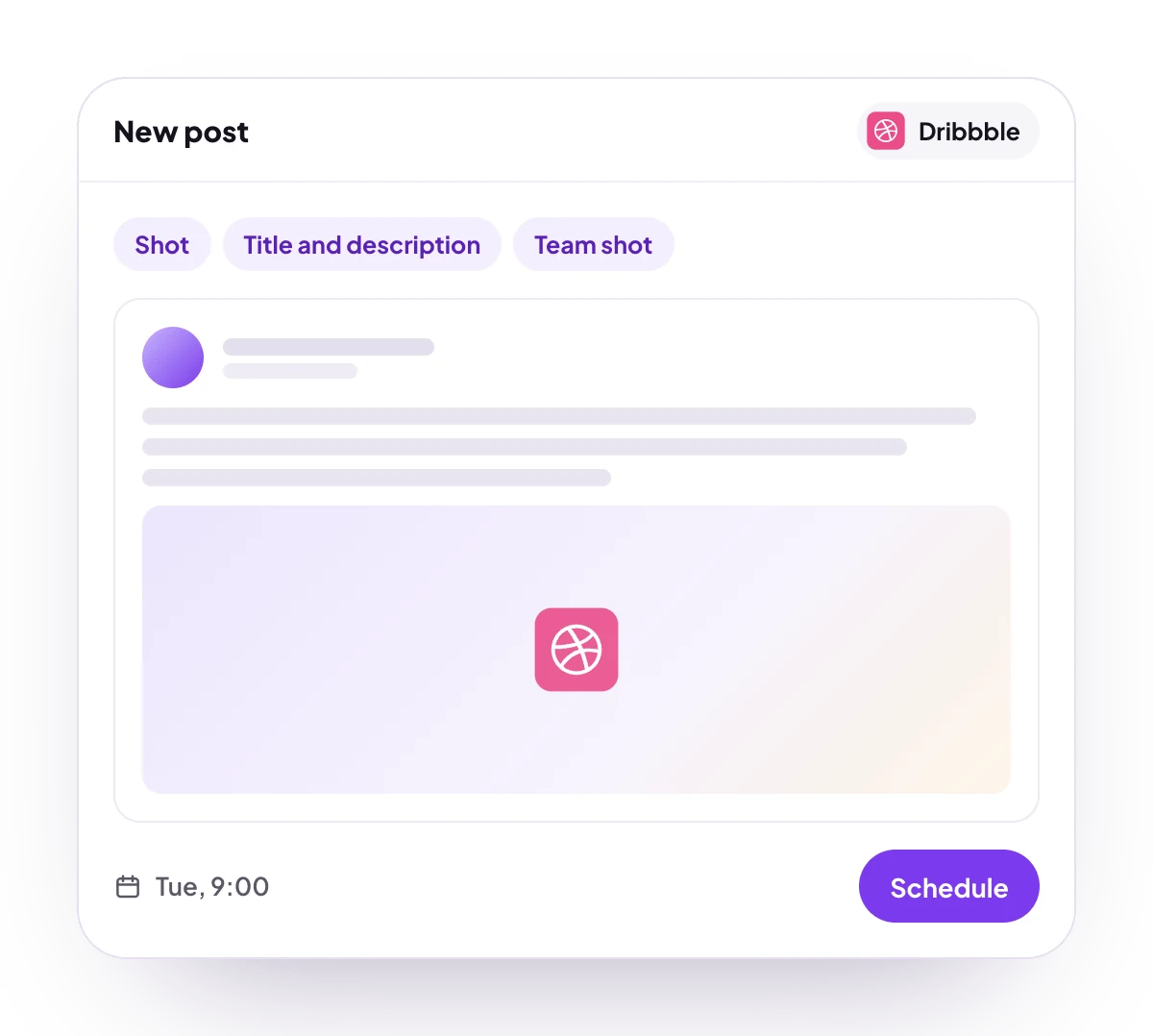
Each Dribbble post in the composer has these settings:- Title: the shot title. Required.
- Select a team: post the shot for one of your Dribbble teams. Shown only when your account belongs to a team. Leave it empty to post on your own profile.
Good to know
- Before a post is scheduled, PostQueen checks that it has exactly one image, that it is not an MP4, and that it measures exactly 400 × 300 or 800 × 600 pixels.
- File size and format are Dribbble’s rules, and PostQueen does not check them first: Dribbble refuses other files when the shot is published.
- A Dribbble connection does not expire. If access is withdrawn on Dribbble’s side, the channel asks to be reconnected.
Next steps
Create a post
Write once for several channels, then schedule it, save a draft or post now.
Channels and their status
Which networks you can connect today, what each one posts, and its text limit.
Post from an AI agent
Ask Claude, ChatGPT, Grok Bot or another agent to schedule the post for you.
A post did not go out
Why a post fails and what to do about it.