

What you can post
Text
Up to 1,500 characters.
Media
One photo, or none. No video.
Post types
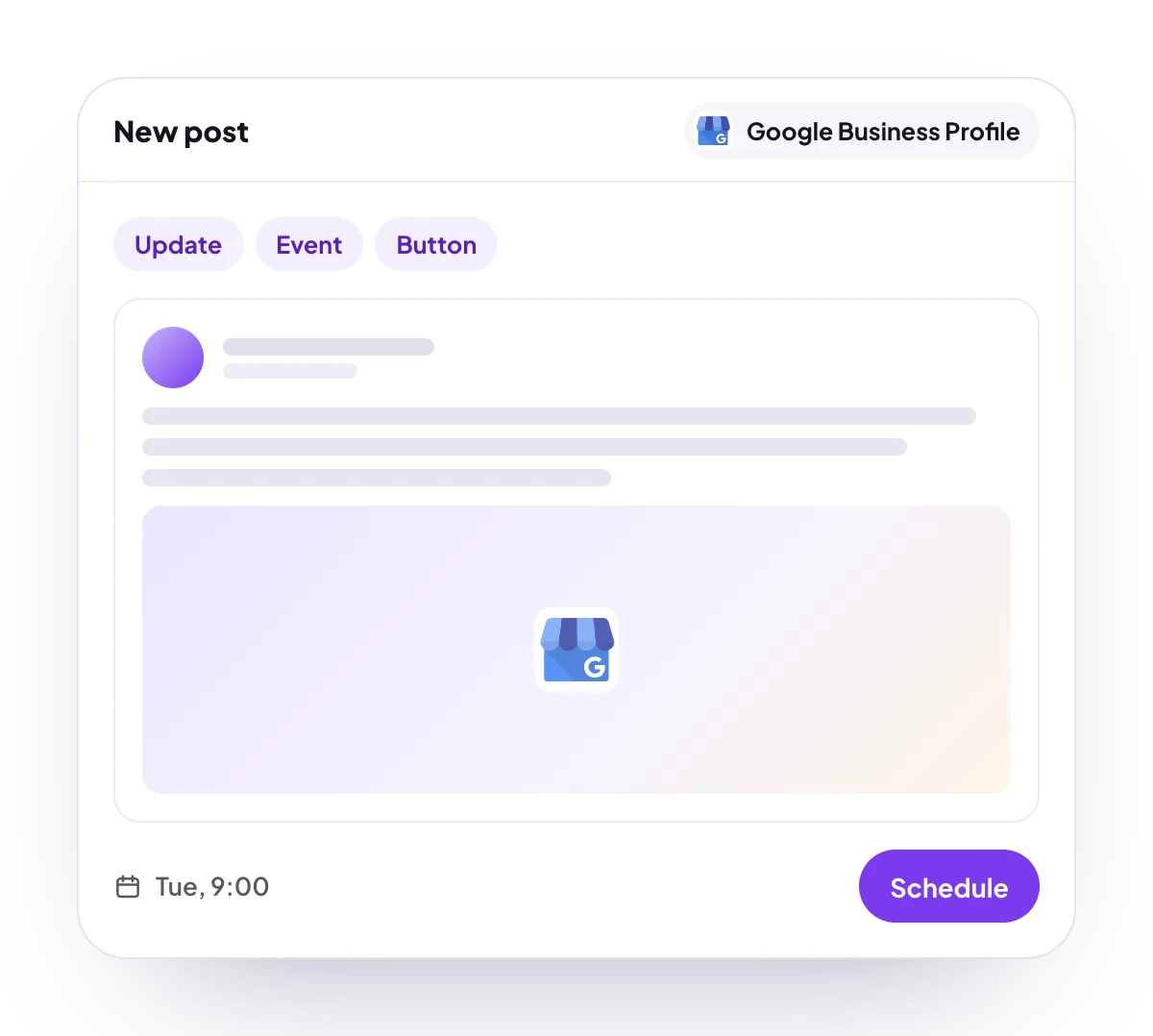
Update, event and offer. Events and offers carry a title and start and end dates.
Analytics
For the location, over 7, 30 or 90 days: website clicks, phone calls, direction requests, and map views on desktop and on mobile. No numbers for each post, and no follower count.
Connect Google Business Profile
Google Business Profile is listed in Add Channel as Google My Business, but it cannot be connected on PostQueen yet. The location has to be verified on Google: unverified locations do not accept posts.
Post settings
Each Google Business Profile post in the composer has these settings:- Post Type: Standard Update, Event or Offer. It starts on Standard Update.
- Call to Action: None, Book, Order Online, Shop, Learn More, Sign Up or Call. Every button except Call needs a Call to Action URL, and is left off the post without one. Call dials the phone number verified on the profile. Offers have no button choice: Google shows its own.
- For an event, under Event Details: Event Title, Start Date and End Date, all required, then Start Time (optional) and End Time (optional).
- For an offer, under Offer Details: Title, Start Date and End Date, all required, then Coupon Code (optional), Redeem Online URL (optional) and Terms & Conditions (optional).
Good to know
- Before a post is scheduled, PostQueen checks that it has at most one photo and no video, and that an event or an offer has its title and both dates.
- Events without start and end times, and every offer, are sent without times, and Google may refuse them.
- Photo size and format are Google’s rules, and PostQueen does not check them first: JPG or PNG, from 10 KB to 5 MB.
- Every post is sent to Google marked as English, whatever language it is written in.
- The link to a published post is its Google Search link when Google returns one, and the location’s Business Profile page otherwise.
- Google may refuse a post with a phone number in the text that it cannot match to the business, and some listings cannot publish posts at all.
Next steps
Create a post
Write once for several channels, then schedule it, save a draft or post now.
Channels and their status
Which networks you can connect today, what each one posts, and its text limit.
Post from an AI agent
Ask Claude, ChatGPT, Grok Bot or another agent to schedule the post for you.
A post did not go out
Why a post fails and what to do about it.