

What you can post
Text
Up to 4,096 characters in a text message. With media attached, the text becomes the caption, and Telegram allows 1,024 characters there.
Media
Photos, videos and other files. Several files go out as albums of up to 10.
Post types
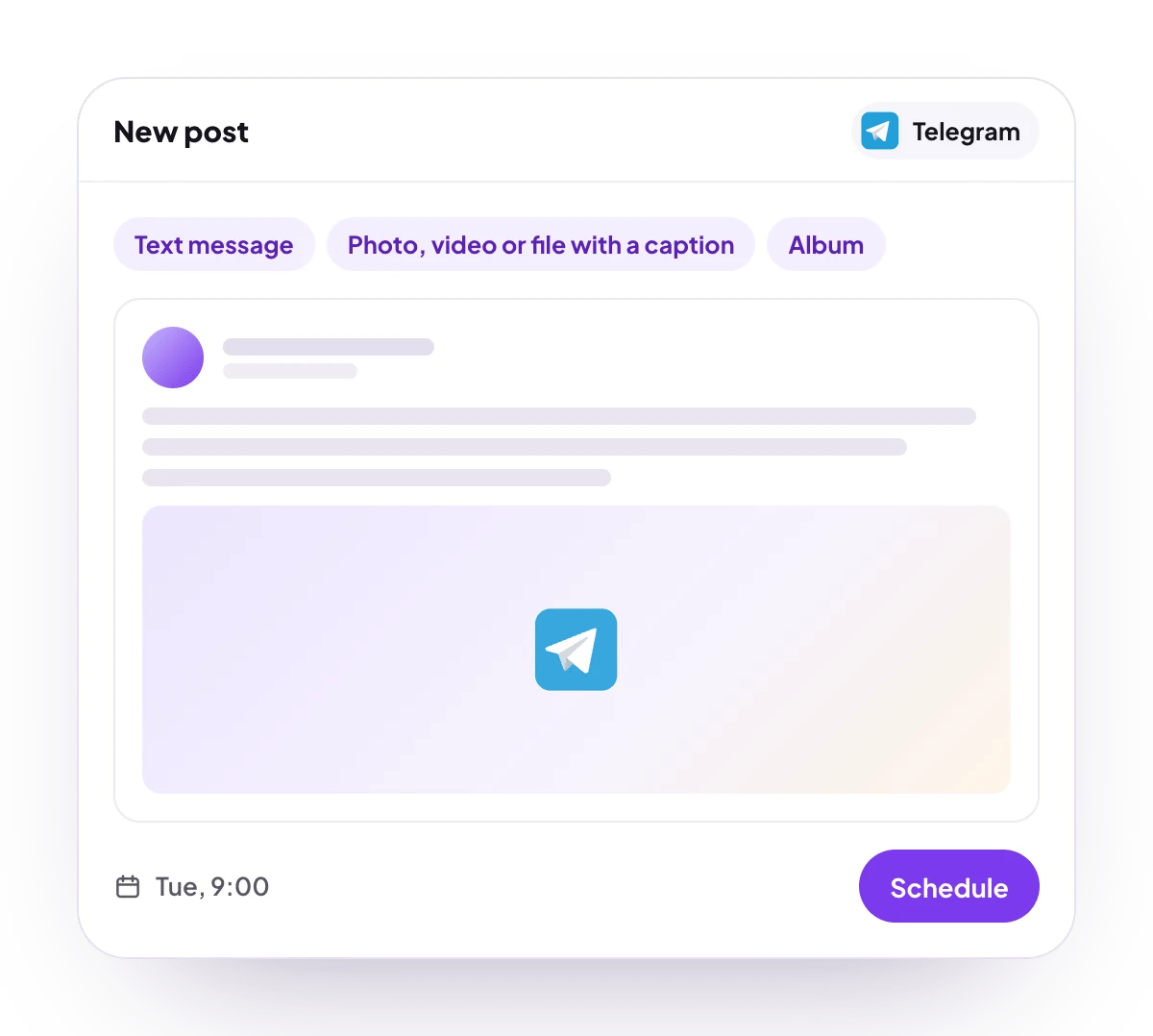
Text message, a photo, video or file with a caption, album, and follow-up replies.
Analytics
No analytics for Telegram.
Connect Telegram
Telegram is listed in Add Channel, but it cannot be connected on PostQueen yet. Connecting it will mean adding PostQueen’s bot to your channel or group as an administrator.
Post settings
Telegram has no post settings. Each post goes to the chat the channel is connected to. The API takes"__type": "telegram" and nothing else, as Telegram posting settings shows.
Good to know
- Before a post is scheduled, PostQueen checks that a text message is at most 4,096 characters, and that the text on a message with media is at most 1,024 characters, counted as it will appear, without formatting.
- Add comment adds follow-up messages, each with its own delay. The first replies to the post, and each later one replies to the one before it.
- Photos go out as photos and videos as videos. Any other file goes out as a document.
- More than 10 files go out as several albums, and only the first album carries your text. A single file left over after a full album is sent on its own.
- Telegram can refuse an album that mixes photos and documents.
- Telegram’s own file limits are not checked first. Telegram fetches each file from its link and accepts photos up to 5 MB and other files up to 20 MB.
Next steps
Create a post
Write once for several channels, then schedule it, save a draft or post now.
Channels and their status
Which networks you can connect today, what each one posts, and its text limit.
Post from an AI agent
Ask Claude, ChatGPT, Grok Bot or another agent to schedule the post for you.
A post did not go out
Why a post fails and what to do about it.