

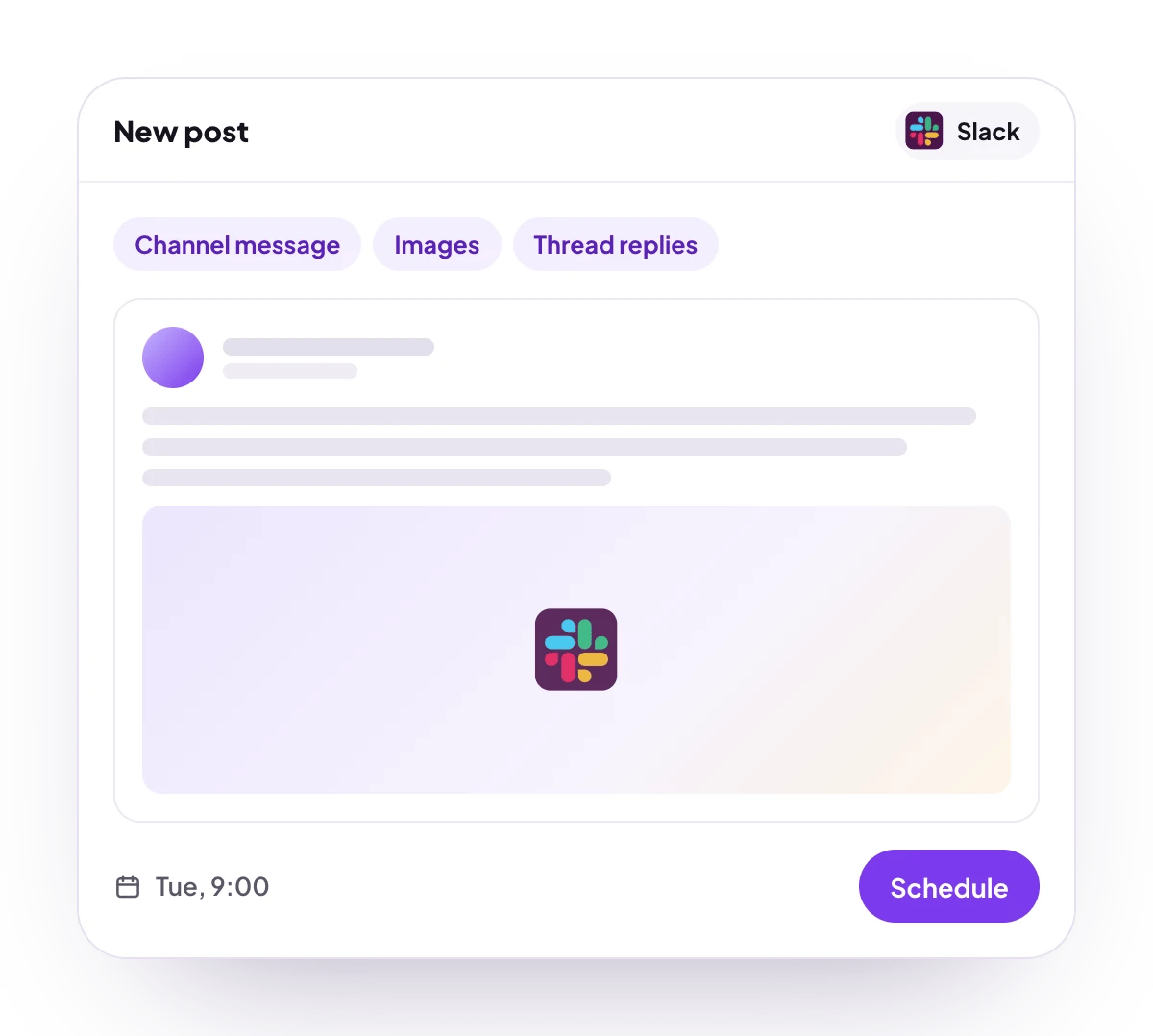
What you can post
Text
Up to 150,000 characters, sent as Slack mrkdwn. Long text is split into sections of up to 3,000 characters at line breaks.
Media
PNG, JPG or GIF images, shown under the text. No video.
Post types
A channel message, with follow-ups as replies in its thread.
Analytics
No analytics for Slack.
Connect Slack
Slack is listed in Add Channel, but it cannot be connected on PostQueen yet. Connecting it will install PostQueen’s Slack app in your workspace, so you will need permission to install apps there.
Post settings
Each Slack post in the composer has one setting:- Select Channel: the public or private channel to post in. Required. You pick it in each post, not when you connect.
Good to know
- Before a post is scheduled, PostQueen checks that it has no video, that a channel is picked, and that each message fits in Slack’s 50 blocks: each picture is one block, and the text takes one per 3,000 characters.
- Add comment adds follow-ups, each with its own delay. They go out as replies in the message’s thread, and each can carry images.
- Posts show the name and picture set for the channel in PostQueen. Change them with Bot name & avatar on the Channels page.
- PostQueen joins a public channel by itself before posting. Invite the app to a private channel first, or the post fails.
- If Slack refuses a message, the post fails with Slack’s reason, such as
not_in_channel, instead of being marked published. - Each published post links to the message in Slack.
Next steps
Create a post
Write once for several channels, then schedule it, save a draft or post now.
Channels and their status
Which networks you can connect today, what each one posts, and its text limit.
Post from an AI agent
Ask Claude, ChatGPT, Grok Bot or another agent to schedule the post for you.
A post did not go out
Why a post fails and what to do about it.