

postqueen is the command line for PostQueen. It creates, lists, changes and deletes posts, uploads images and videos, and reads analytics, from a terminal, a script, a scheduled job or an AI agent. It calls the PostQueen API with your API key, and every post it makes lands on the same calendar as the posts you write in the app.
These pages describe postqueen 2.0.28. Run postqueen --version to see yours.
Before you start
- Node.js 20.19 or newer. On Node.js 22, use 22.12 or newer.
- A PostQueen workspace on a trial or a paid plan, with at least one connected channel.
- The API key. Only a workspace Admin or Super Admin can reveal it.
Where the API key is: in the app, open Connections > API Keys. Only a workspace Admin or Super Admin can reveal or rotate it; other members see it masked. A workspace has one key, and each agent card on Connections shows your MCP address with the key already filled in.
Install and set the key
1
Install the CLI
2
Sign in
~/.postqueen/credentials.json. If PostQueen asks you to sign in first, it brings you back to the approval page afterwards.3
Check it
export POSTQUEEN_API_KEY=your_api_key, with the key from Connections > API Keys. If you run PostQueen on your own server, also point POSTQUEEN_API_URL at your backend: see the key.
Schedule a first post
1
Find the channel ID
identifier is the network. Copy the id of the channel you want.2
Create the post
-s is the publish time in ISO 8601 and is required. Add -t draft to save a draft instead.3
See it on the calendar
The post is on your calendar in the app, and in
postqueen posts:list.title and a post type. postqueen integrations:settings <id> shows what a channel needs, and examples by network has a working command for each.
Read the output
Most commands print one status line, then the result as JSON. Drop the first line before you parse it:posts:missing prints JSON only, and posts:delete prints only a confirmation line. When a command fails, the message goes to stderr and the command exits with code 1. That includes a misspelled command or flag: ❌ Unknown command: post:create. Run "postqueen --help" for usage. See when a command fails.
Use it from an AI agent
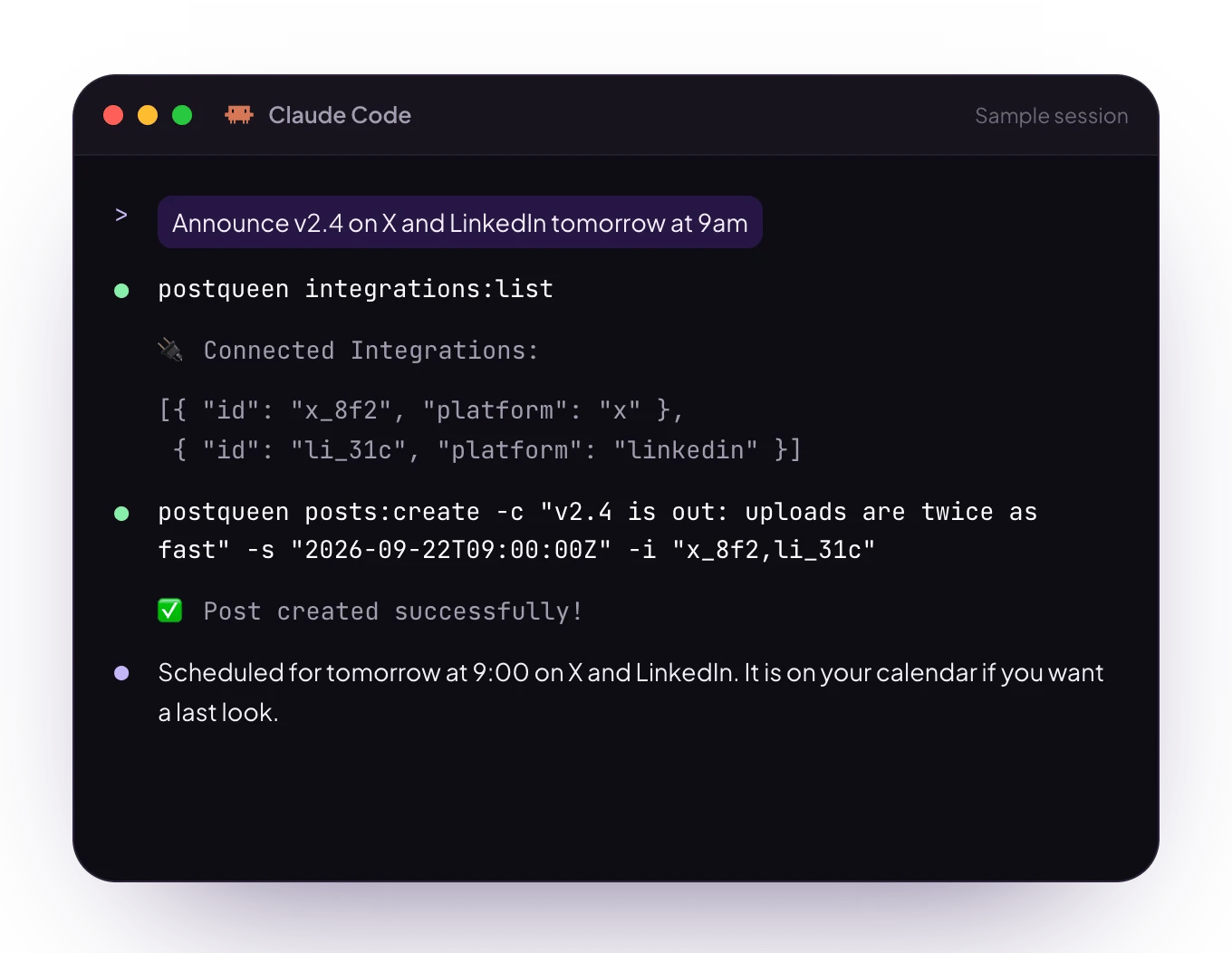
An agent that runs shell commands, such as OpenClaw, Hermes Agent, Claude Code, Cursor, Gemini CLI or Grok Build, can drive the CLI. Install the postqueen skill so it knows the commands and the rules:POSTQUEEN_API_KEY where the agent’s commands run, which is not always your own terminal.
CLI or MCP?
The full comparison is on AI agents.
Next steps
Posts and channels
Channels, settings, threads, drafts, campaign files and deleting.
Upload media
Images and videos, and waiting for a video to be ready.
Command reference
Every command and flag, and the API route each one calls.
Troubleshooting agents
What each error means and how to fix it.