

Before you start
- Plans: Paperclip is free and open source (MIT). You host it yourself, and no Paperclip account is needed.
- Platforms: your own macOS, Linux or WSL2 machine with Node 24.11 or later, or Docker. PostQueen’s tools reach Paperclip’s Claude Code and Codex agents.
- A PostQueen API key. A workspace admin copies it from Connections.
Where the API key is: in the app, open Connections > API Keys. Only a workspace Admin or Super Admin can reveal or rotate it; other members see it masked. A workspace has one key, and each agent card on Connections shows your MCP address with the key already filled in.
Connect Paperclip
1
Add your own MCP server
In Paperclip, open Apps, then Connect an app, then Connect your own MCP server. Enter the address and press Check link:
2
Enter the key
Under Advanced authentication, choose Key or token and paste your PostQueen API key on its own, without the word
Bearer. Paperclip saves it as an encrypted secret.3
Review the tools
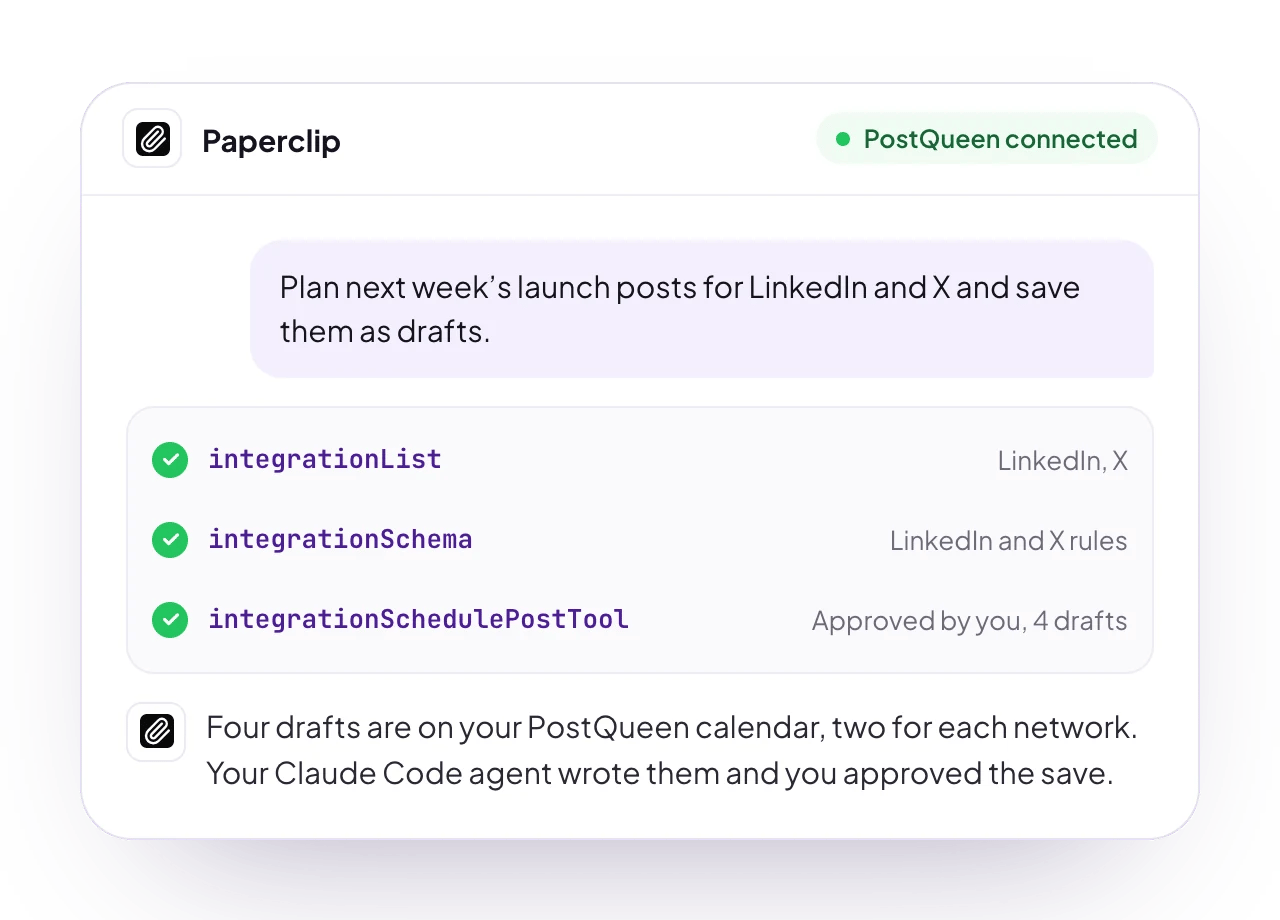
Reading tools start on. Tools that change something, such as scheduling a post, start off until you turn them on, and then ask for your approval by default.
4
Grant access
Give an agent, a project or the whole company access to PostQueen.
Check that it works
Assign a Claude Code or Codex agent a task: “List my PostQueen channels.” The agent answers with the channels you connected in PostQueen.Good to know
- Only Claude Code and Codex agents get the Apps connection. Other agent types in Paperclip use their own MCP settings.
- Every value you enter becomes an encrypted Paperclip secret and is never shown again.
- A Claude Code agent managed by Paperclip ignores servers added on the same machine with
claude mcp add. Give it access in Apps instead. - There is no
paperclipaicommand for MCP connections yet. Use the Apps page. - Approval by default: tools that change something ask before each call, so nothing is scheduled without you.
- What it cannot do over MCP: delete a post, or change a post’s text or time. Do that on the calendar in the app. The MCP tools lists what it can do.
Other ways to connect
- Sign in (not tested yet)
- CLI and skill (not tested yet)
In Connect your own MCP server, enter
https://api.postqueen.ai/mcp-oauth-dynamic and choose Sign in to continue. Paperclip registers itself; a workspace admin signs in to PostQueen and approves.The sign-in address has 20 tools, all but ask_postqueen. Revoke access in PostQueen under Connections > Approved Apps.Try this first
Assign this to a Claude Code or Codex agent:Run it on a schedule
Add a routine with a cron schedule, such as0 9 * * 1 for Mondays at 9am. Each run opens an issue for the routine’s agent, which picks it up on its next heartbeat.
Troubleshooting
More fixes are on Troubleshooting agents.
Next steps
Every agent
Which agents can post to PostQueen, how each one connects, and what PostQueen has tested.
The MCP tools
What each of the 21 tools does, and what an agent cannot do.
Prompts and tool calls
The order an agent calls the tools in, with prompts that work.
Troubleshooting agents
What to do when a connection or a command fails.