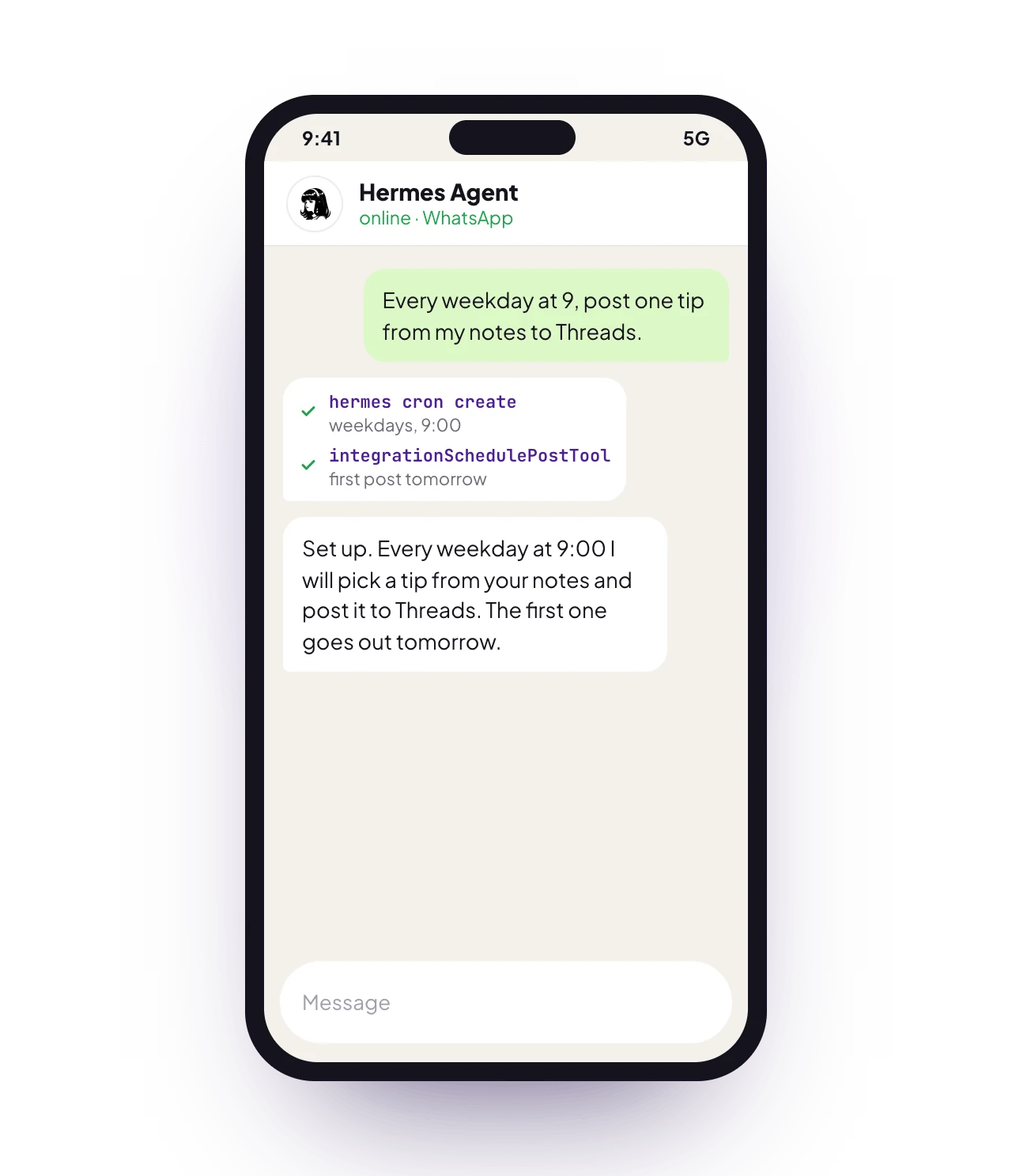
Hermes taking a one-line brief and turning it into a planned, drafted and scheduled week of posts

What Hermes is

Hermes is an open-source autonomous agent by Nous Research that runs on your own machine. It keeps a persistent memory across sessions, follows multi-step plans and runs real shell commands. Pointed at the postqueen CLI, it becomes a social media operator: hand it one brief and it drafts, schedules and then verifies its own work, and every post it touches shows up on your PostQueen calendar. Hermes can also front your chat apps: WhatsApp and Telegram from your pocket, Slack and Discord with your team. With Hermes running, she reads your messages there and answers the way a colleague would.
The PostQueen mobile app is on the way. You are not waiting on it, though: through OpenClaw or Hermes she already answers on the phone in your pocket.

What you need

  • A machine that can run Hermes: macOS, Linux, or Windows. The installer pulls uv and Python 3.11 rather than Node.
  • An API key for a model provider such as Anthropic, OpenAI or OpenRouter, which Hermes asks for during setup
  • The postqueen CLI, plus the PostQueen skill that teaches Hermes her command set
  • Your POSTQUEEN_API_KEY
  • POSTQUEEN_API_URL, only if you self-host PostQueen

Set it up

1

Install Hermes

The Hermes project ships its own installer. On macOS or Linux:
On Windows, use the PowerShell installer instead:
For anything Hermes-specific after that, from linking chat apps to picking a model, the Hermes repository is the guide to follow.
2

Install the postqueen CLI where Hermes runs

Hermes executes shell commands on the machine it lives on, so the CLI has to be there too:
3

Install the PostQueen skill

The skill gives Hermes her complete command set and the patterns behind it, so it works from documented commands instead of guessing.Hermes loads skills from ~/.hermes/skills/ plus any directory listed under skills.external_dirs, while the skills CLI installs into ~/.agents/skills. Point Hermes at that directory so it picks the skill up:
~/.hermes/config.yaml
Hermes reads the skill on its next start. The Hermes skills guide covers the loader in full.
4

Export your API key

Your key lives in the app at app.postqueen.ai: open Settings > Developers > Public API and click Reveal. Export it in the environment Hermes runs in:
Self-hosting PostQueen? Point the CLI at your backend URL, the same value as NEXT_PUBLIC_BACKEND_URL. Most single-domain setups serve the backend under /api:
5

Verify the connection

A JSON list of your connected channels means she is ready. You can also run postqueen auth:status to confirm your credentials are valid.

👑 One brief, a full week

Once connected, give Hermes a single brief:
“Draft five posts about our new release and schedule them across all our channels this week.”
Hermes reads the skill and works the plan on its own:
  1. It runs postqueen integrations:list to find your connected channels and their integration IDs.
  2. It checks what each channel accepts with postqueen integrations:settings before writing a word.
  3. It writes the posts and runs any media through postqueen upload first, since only the returned URL belongs in -m.
  4. It schedules each post with postqueen posts:create and a concrete ISO date, then lists what it scheduled to confirm the plan landed.
Everything ends up on your calendar at app.postqueen.ai, in the open. She runs on your terms. Leave the schedule alone and she is a true autopilot: whatever a brief puts on the calendar goes out on time without another word from you. Want a closer look first? Every post is visible there before it publishes, so you can edit or delete it, and telling Hermes to use -t draft saves each one without scheduling it, so it waits until you publish it.

On a schedule

Hermes ships a built-in cron scheduler, so the brief does not have to come from you each morning. You create a recurring job by asking in chat or with the hermes cron create command; the exact syntax lives in the Hermes cron guide. A recurring brief as small as this one keeps the calendar fed:
“Every morning at 4 am, check yesterday’s PostQueen numbers and draft today’s post.”
Under the hood, that job is two CLI calls:
At 4 AM the agent wakes, checks yesterday's numbers and drafts today's post; it waits on your calendar for 9 AM
Drafts wait on your calendar until you promote them, so the night shift proposes and you still decide.

FAQ

No. She works on her own through the dashboard, the CLI and the API. Hermes is one of several ways to automate her.
Everything the CLI can do. It can list your channels and check their settings, create and schedule posts, and it can upload media and pull analytics afterwards, with JSON output an agent can parse on each command.
Yes. Ask Hermes to create drafts, read them on the PostQueen calendar and publish each one when it is ready.

Learn more

Agents overview

Every way to put an agent in front of PostQueen, from coding assistants to chat apps.

CLI introduction

The postqueen CLI that Hermes drives: installation, authentication and the full command set.

Why agents love her

Why an agent can drive her without guesswork, and the two rules that matter most.

Hermes project

The official Hermes repository from Nous Research, with its installer and documentation.