

Before you start
- Plans: OpenClaw is free and open source (MIT). You bring a model provider key, such as Anthropic or OpenAI, during its onboarding.
- Platforms: wherever you run the OpenClaw gateway: macOS, Linux or Windows, with Node 24.16+ or 26.1+.
- OpenClaw, installed and onboarded. Follow OpenClaw’s install guide;
openclaw onboard --install-daemonsets up the gateway as a background service. - A PostQueen API key. A workspace admin copies it from Connections.
Where the API key is: in the app, open Connections > API Keys. Only a workspace Admin or Super Admin can reveal or rotate it; other members see it masked. A workspace has one key, and each agent card on Connections shows your MCP address with the key already filled in.
Connect OpenClaw
OpenClaw uses PostQueen through thepostqueen CLI, taught by the postqueen skill. Run these on the machine where the OpenClaw gateway runs.
1
Install the CLI and the skill
2
Sign the CLI in
On the computer the gateway runs on, under the same user account, run:A workspace Admin or Super Admin approves it in the browser. The CLI saves the login in Or set
~/.postqueen/credentials.json, which the gateway’s commands read too.If the gateway runs on another machine or user, with no browser, give it the key instead. A key you export in your own terminal does not reach a background gateway, so put it in openclaw.json:openclaw.json
POSTQUEEN_API_KEY in the environment the gateway service starts with. Restart the gateway after either change.3
Check that the skill is eligible
postqueen must be in the list. OpenClaw counts the skill as eligible when the postqueen command is on the PATH.Check that it works
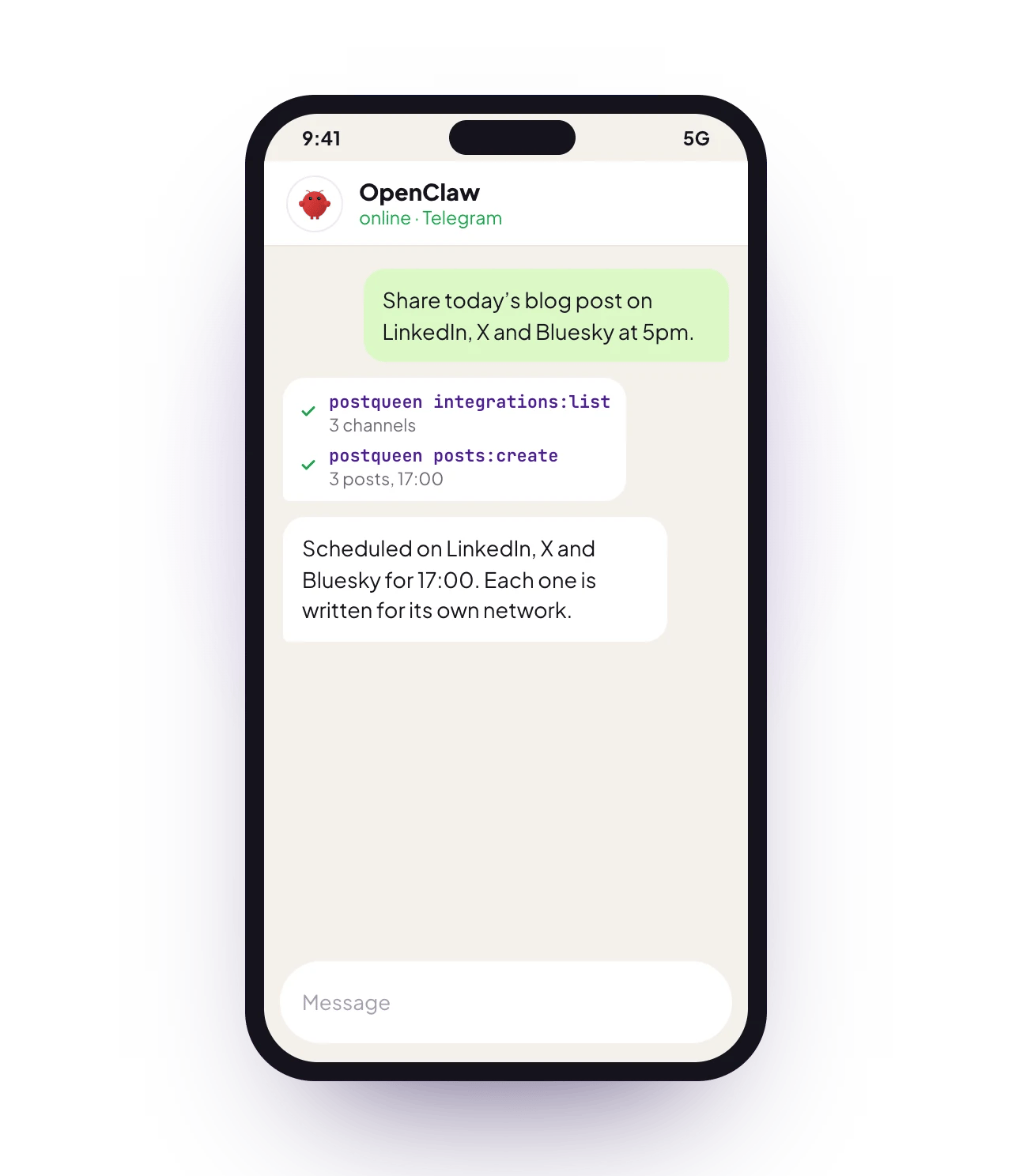
Message OpenClaw, from its chat or a linked chat app: “List my PostQueen channels.” It runs the CLI and answers with the channels you connected. To link WhatsApp, Telegram, Slack or Discord, see Chat channels.Good to know
- The gateway has to be running to answer your messages. A machine that sleeps means an agent that goes quiet.
- OpenClaw can install the CLI and the skill itself if you allow it. You still give it the key.
- The CLI can do more than MCP: it can also delete a post. See the CLI for every command.
- Ask for drafts when you want to check first. A draft waits on your PostQueen calendar, and nothing publishes until you schedule it.
Other ways to connect
- MCP
- Sign in
Try this first
Run it on a schedule
The OpenClaw gateway has a scheduler: it wakes the agent at the job’s time and can send the result to a chat channel.openclaw cron works as an alias for the same commands.
Troubleshooting
More fixes are on Troubleshooting agents.
Is it the same as NanoClaw?
No. The names are close, but they are different apps with different setups:Next steps
Every agent
Which agents can post to PostQueen, and how each one connects.
The MCP tools
What each of the 22 tools does, and what an agent cannot do.
Prompts and tool calls
The order an agent calls the tools in, with prompts that work.
Troubleshooting agents
What to do when a connection or a command fails.