

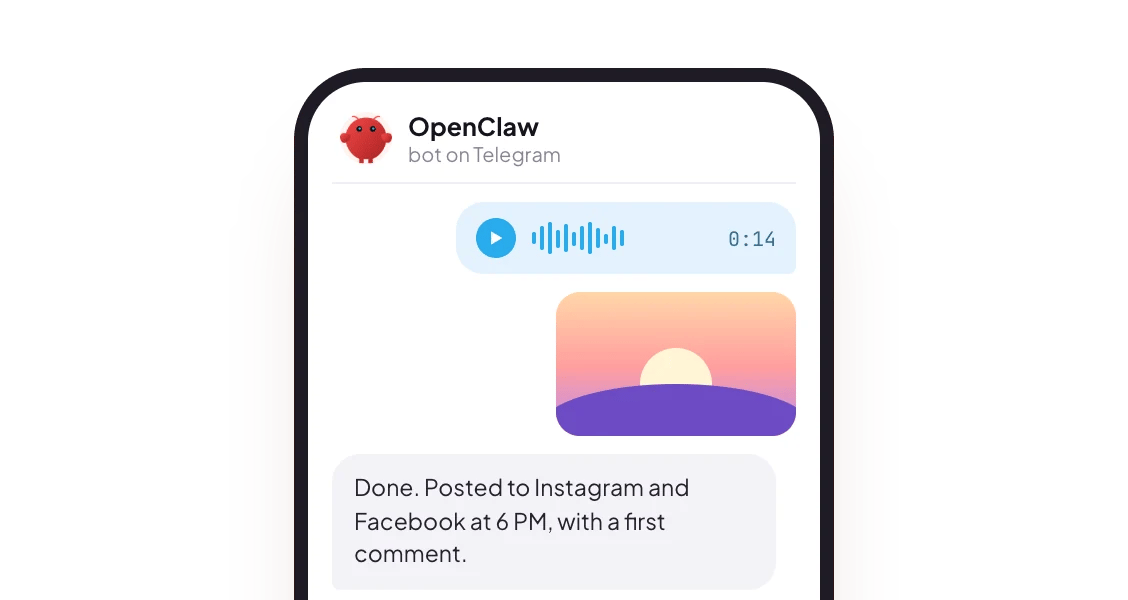

Message the agent from your phone. Pairs by QR code.

Telegram
One bot token from BotFather.

Slack
A Slack app in your workspace, for the whole team.

Discord
A bot on your server, where your community already is.
How it works
- The agent has to be running. Each of these agents runs a background process that stays connected to your chat apps. If the machine sleeps, nobody is listening.
- Chat credentials never reach PostQueen. Bot tokens, QR pairings and Slack app tokens stay in the agent’s own config on your machine. PostQueen sees only the API key the agent uses.
- Every post lands on your PostQueen calendar, like a post you made in the app. You can check, edit or delete it there before it goes out.
Pick an agent
All three are free and open source; the outside cost is the model provider you run them with.
Before your first message
1
Connect PostQueen to the agent
Follow the agent’s page: OpenClaw, Hermes Agent or NanoClaw. You need a PostQueen API key, which a workspace admin copies from Connections > API Keys.
2
Check it before you add a chat app
Ask the agent, in its own chat: “List my PostQueen channels.” When it answers with your channels, the PostQueen half is ready.
3
Link the chat app
Pick the app below. Each one is set up in the agent, with an account or bot you create.
hermes gateway setup walks you through it.
Telegram
On your side: a Telegram bot. Message@BotFather in Telegram, run /newbot and save the token it gives you.
With OpenClaw, add the token, start the gateway and approve your first message:
hermes gateway setup walks you through it.
Slack
On your side: a Slack app in your workspace. With Socket Mode, OpenClaw’s default, you need two tokens from the same app: a bot token and an app-level token with theconnections:write scope.
This is the one for a team: anyone the bot accepts messages from can ask for a post, and everything they schedule lands on the same PostQueen calendar.
Full steps: OpenClaw, Slack. With Hermes Agent, hermes gateway setup walks you through it.
Discord
On your side: a Discord application with a bot, made in the Discord Developer Portal.- Create the application and its bot, and copy the bot token. Keep it out of any chat.
- Turn on Message Content Intent in the bot settings, so the bot can read messages.
- Invite the bot to your server, give the token to OpenClaw, and approve your first DM when it asks for pairing.
hermes gateway setup walks you through it.
NanoClaw and the other apps
NanoClaw pairs chat apps during its setup, and supports Slack, Telegram, Discord, WhatsApp, iMessage and more: see NanoClaw’s docs. Hermes Agent connects to more than 30 messaging services from one gateway, listed in its messaging guide.After you send a message
The agent writes the post, uses PostQueen to schedule it with a real time, and answers in the chat. What is scheduled goes out when the time comes, without another message from you. Want to check first? Ask for a draft. A draft waits on your PostQueen calendar, and nothing publishes until you schedule it.FAQ
Does PostQueen read my WhatsApp messages?
Does PostQueen read my WhatsApp messages?
No. PostQueen has no connection to your chat apps. The agent runs on your own machine, connects to the chat app with an account or bot you created, and uses PostQueen with your API key. PostQueen sees only those requests.
Does my computer have to stay on?
Does my computer have to stay on?
The agent’s background process has to stay running, so the machine it runs on has to stay awake. A small always-on computer or a server is the usual answer if you want it reachable around the clock.
Can my whole team ask for posts in Slack or Discord?
Can my whole team ask for posts in Slack or Discord?
Yes. Anyone the bot accepts messages from in your workspace or server can ask for a post, and everything lands on the same PostQueen calendar. The agent’s pairing and allowlist settings decide who that is.
Which agent should I pick?
Which agent should I pick?
They all reach the four apps on this page. OpenClaw uses the PostQueen CLI, which can also delete posts. Hermes Agent uses PostQueen’s MCP server and keeps a persistent memory. NanoClaw runs each agent in its own container and keeps your key in a vault, away from the agent.
Does this cost extra?
Does this cost extra?
No. Agent access uses the same API key and the same plan limits as your regular PostQueen account, on any plan.
Next steps
Every agent
Which agents can post to PostQueen, and how each one connects.
The MCP tools
What each of the 22 tools does, and what an agent cannot do.
Prompts and tool calls
The order an agent calls the tools in, with prompts that work.
Troubleshooting agents
What to do when a connection or a command fails.