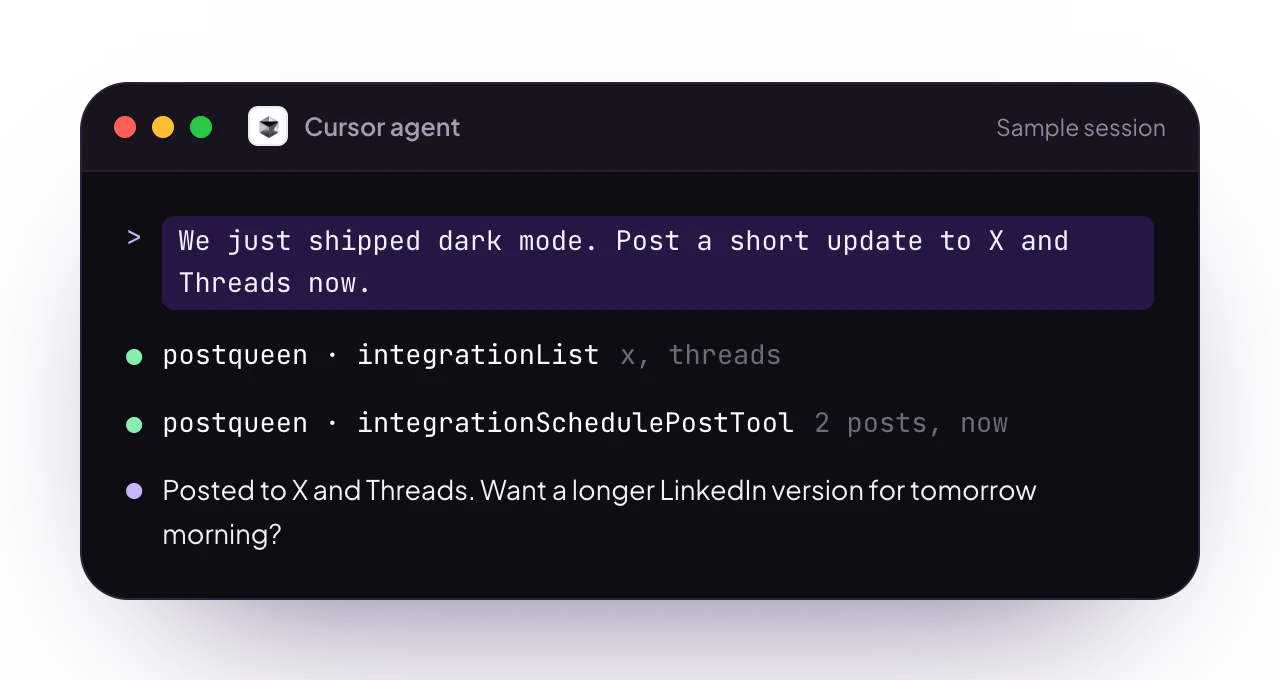
Working with her inside the editor
Cursor is the AI code editor with an agent mode and MCP support, which means she can sit right beside the diff you just merged. The changelog entry and the launch post are usually the same idea written twice, and the agent already has the first one open. Ask for the second and it lands on your calendar without a context switch.Set up
Two routes, and you can take either. MCP is the native one here: Cursor’s agent gets her 11 hosted tools and asks for your approval before it calls them. Her skill plus thepostqueen CLI is the other, and it suits the agent terminal when you would rather see the exact command that ran.
1
Grab your API key
Your key lives in the app at app.postqueen.ai: open Settings > Developers > Public API and click Reveal. Both routes below use this one key. Treat it like a password, since it grants full access to your account.
2
Route A: connect over MCP
One entry in
~/.cursor/mcp.json and her tools appear in every project. The file, the
Settings UI route, the header variant and self-hosted URLs are all on
Cursor over MCP.3
Route B: install the CLI and her skill
SKILL.md, and it teaches the agent her command set before it runs anything. Then export the key in the shell Cursor’s terminal inherits:NEXT_PUBLIC_BACKEND_URL. Most single-domain setups serve the backend under /api:4
Verify the connection
In agent mode, ask: “List my connected social media accounts.” Over MCP the agent calls A JSON list of your channels with their integration IDs means she is ready.
integrationList; over the CLI it runs:👑 Posts about the feature you just shipped
The saved-views branch is merged and the changelog is written. Ask in the same window:“We just shipped saved views. Read the changelog entry, draft three posts about it for X, LinkedIn and Bluesky, and hold them as drafts.”It reads the repo for the source material, then discovers where the posts can go:
-t draft, which saves it to the calendar rather than queueing it for publishing. The settings schema is validated even for a draft, so X still needs its who_can_reply_post value:
--json, which is the cleaner path when the copy differs per channel. The file is the request body her API receives, so it carries the top-level type, date, shortLink and tags alongside one entry per channel:
launch-week.json
image is required on every entry, so pass [] when a post has no media. Any value inside it has to be a URL returned by postqueen upload, the same rule that applies to -m. The rules in full: Media upload.FAQ
Do I need Cursor to use PostQueen?
No. She works on her own through the dashboard, the CLI and the public API. Cursor is one of several ways to automate her, and the one to pick when the announcement should be written where the code is.
MCP or the CLI in Cursor?
MCP is the smoother fit for agent mode: 11 tools, no local install, and an approval prompt before each call. The CLI is better when you want the exact command visible in the terminal, or when you plan to reuse the same script in CI later. Configuring both is fine.
Can the agent write posts from my repo?
Yes, and that is the point of running her here. Cursor’s agent can read your changelog, your release notes or the diff itself, then turn them into posts shaped for each channel. You still see every draft on the calendar before anything reaches an audience.
Will it publish without asking me?
Only if you set it up that way. Cursor asks for approval before running MCP tools by default, so keep that on for
integrationSchedulePostTool. On the CLI side, -t draft saves each post to the calendar without scheduling it.Can one brief cover my other channels too?
Can one brief cover my other channels too?
Yes. PostQueen connects 30+ networks, so the same brief can become posts for every channel you have connected, each one adapted to what that channel accepts.
Does the integration cost extra?
Learn more
Cursor over MCP
The full
.cursor/mcp.json reference, the Settings UI flow and self-hosted URLs.CLI introduction
The
postqueen CLI behind Route B, with installation and the full command set.Why agents love her
Why an agent can drive her without guesswork, and the two rules that matter most.
Agents overview
Every way to put an agent in front of PostQueen, from coding assistants to chat apps.