

Before you start
- Plans: Pro, Max, Team and Enterprise, not Free. On Enterprise, Cowork on the web and mobile needs an admin to turn it on.
- Platforms: Claude Desktop on macOS and Windows; in beta on claude.ai and in the iOS and Android apps.
- A PostQueen API key. A workspace admin copies it, or the ready-made address, from Connections.
Where the API key is: in the app, open Connections > API Keys. Only a workspace Admin or Super Admin can reveal or rotate it; other members see it masked. A workspace has one key, and each agent card on Connections shows your MCP address with the key already filled in.
Connect Claude Cowork
1
Add the PostQueen connector in Claude
Skip this step if Claude already has it. In Claude, open Customize > Connectors, then + > Add custom connector. Name it Click Add. The Claude page has the full steps, including the Team and Enterprise ones.
PostQueen and paste your key address as the URL, with no slash at the end:2
Switch it on in Cowork
In a Cowork session, turn PostQueen on from the + menu in the chat box, or from Customize > Connectors.
3
Check the tools
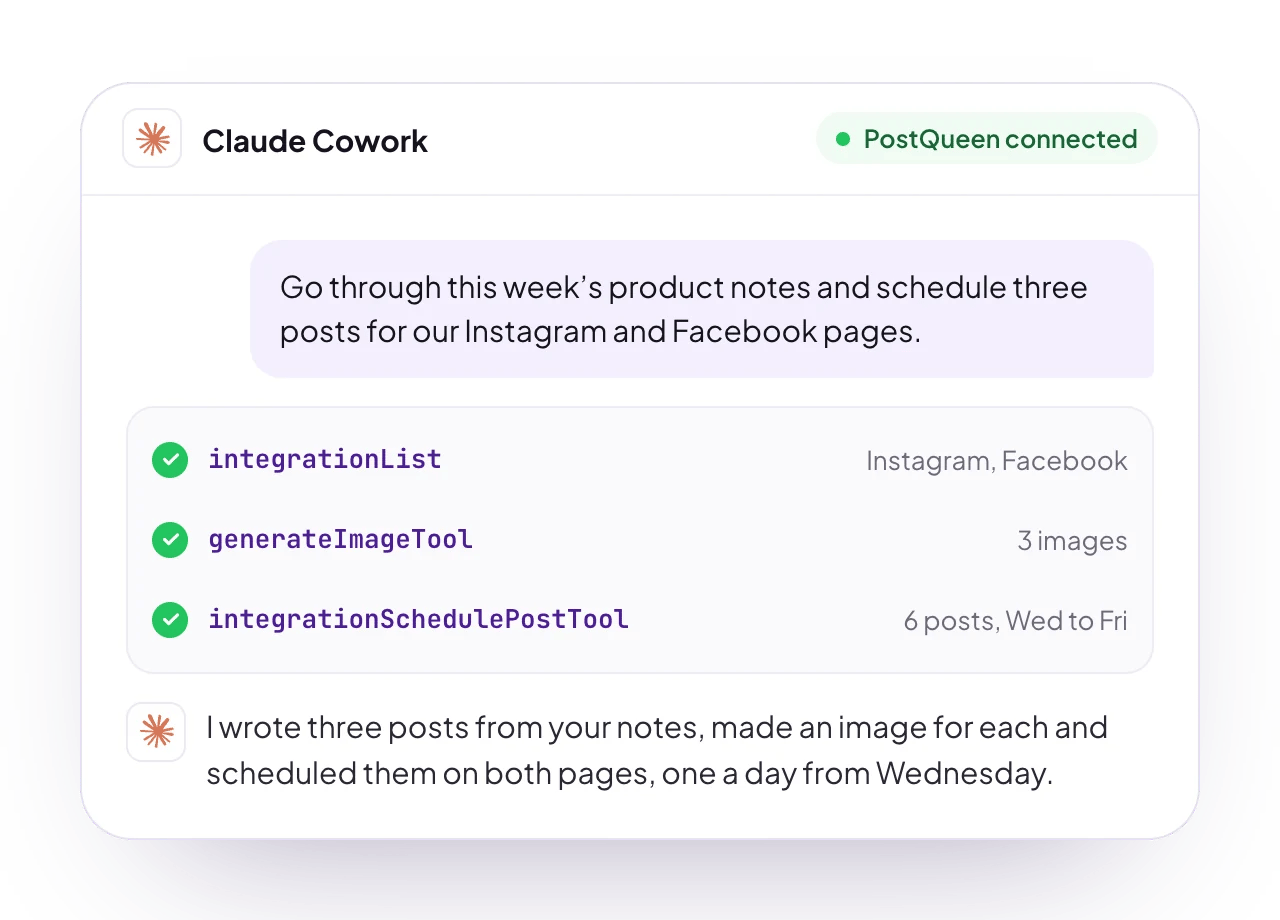
Ask Cowork to list your connected PostQueen channels.
Check that it works
Ask Cowork: “List my PostQueen channels.” It answers with the channels you connected in PostQueen. If it does not use PostQueen, open the + menu in the chat box and check that the connector is on for this session.Good to know
- Use the connector, not a terminal. A key you set in a terminal or an environment variable on your own computer does not reach Cowork’s cloud sessions.
- Only a workspace admin can connect PostQueen. The API key is shown to admins only, and only admins can approve the sign-in. Both give full access to the workspace.
- Upload from your device. PostQueen’s upload widget opens an Upload Media panel in Cowork, where you add a photo or video from your device.
- No PostQueen plugin is published for Claude yet. Use the custom connector.
- Ask for drafts when you want to check first. A draft waits on your PostQueen calendar, and nothing publishes until you schedule it.
- What it cannot do over MCP: delete a post, or change a post’s text or time. Do that on the calendar in the app. The MCP tools lists what it can do.
Other ways to connect
The key address has 21 tools. The sign-in address has 20, all but
ask_postqueen.
To sign in instead of using a key, add the connector with https://api.postqueen.ai/mcp-oauth-dynamic as the URL, click Connect and sign in to PostQueen. Only a workspace admin can approve. The Claude page has the steps. The sign-in covers Claude and Cowork at once, and you revoke it in PostQueen under Connections > Approved Apps.
Try this first
Run it on a schedule
Cowork runs scheduled tasks. Open Scheduled in the Cowork sidebar, give the task a prompt and pick how often it runs: hourly, daily, weekly, on weekdays, or only when you start it. Scheduled tasks run in the cloud, even when your computer is asleep or Claude Desktop is closed, and they use your connectors, PostQueen included.Troubleshooting
More fixes are on Troubleshooting agents.
Is it the same as Claude or Claude Code?
Cowork and Claude share one connector; Claude Code has its own setup:Next steps
Every agent
Which agents can post to PostQueen, how each one connects, and what PostQueen has tested.
The MCP tools
What each of the 21 tools does, and what an agent cannot do.
Prompts and tool calls
The order an agent calls the tools in, with prompts that work.
Troubleshooting agents
What to do when a connection or a command fails.