

Before you start
- Plans: NanoClaw is free and open source (MIT). You run it yourself with an Anthropic API key or a Claude subscription.
- Platforms: your own macOS or Linux machine, or Windows through WSL2, with Docker. The installer adds Node 22, pnpm and Docker if they are missing.
- NanoClaw, installed, with at least one agent group. Follow NanoClaw’s install guide.
- A PostQueen API key. A workspace admin copies it from Connections.
Where the API key is: in the app, open Connections > API Keys. Only a workspace Admin or Super Admin can reveal or rotate it; other members see it masked. A workspace has one key, and each agent card on Connections shows your MCP address with the key already filled in.
Connect NanoClaw
NanoClaw keeps keys in its OneCLI vault and adds them to the agent’s requests, so the agent itself never sees your key. Run these on the machine that runs NanoClaw.1
Save the key in the vault
2
Find your agent group
3
Add PostQueen and restart the group
Use the group’s id in place of
YOUR_GROUP_ID. The address has no key in it:Check that it works
Message the agent in one of your chat apps: “List my PostQueen channels.” It answers with the channels you connected in PostQueen. If the tools do not load, see the fallback in Good to know.Good to know
-
Fallback if the tools do not load: NanoClaw does not say that its MCP client sends requests through the vault. If PostQueen’s tools do not load, add the server with the key as a header instead, then restart the group:
The key then sits in the group’s config, where the agent can read it.
- Do not use the address with the key in it. NanoClaw expects keys in the vault, not in a URL.
- Use the MCP server, not the PostQueen CLI or skill. NanoClaw’s containers never get your environment, and the CLI does not send its requests through the vault.
-
The agent can add the server itself with its
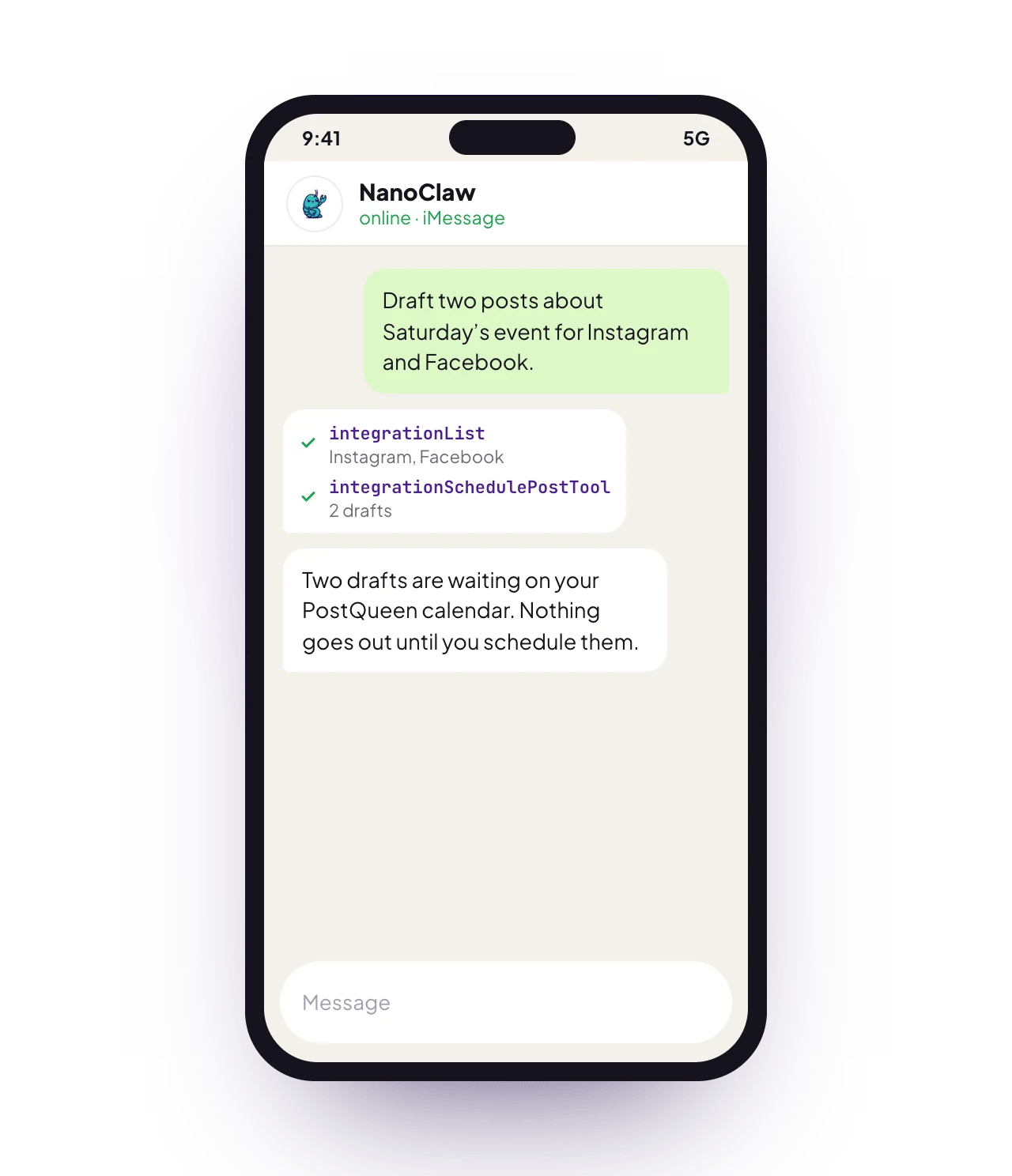
add_mcp_servertool, which needs admin approval in NanoClaw. The key still has to go into the vault first. - Ask for drafts when you want to check first. A draft waits on your PostQueen calendar, and nothing publishes until you schedule it.
- What it cannot do over MCP: delete a post, or change a post’s text or time. Do that on the calendar in the app. The MCP tools lists what it can do.
Other ways to connect
Try this first
Run it on a schedule
Ask your agent in chat for a recurring task, such as the one below. It creates the task withncl tasks create, and ncl tasks list shows every series.
Troubleshooting
More fixes are on Troubleshooting agents. To pick a chat app, see Chat channels.
Is it the same as OpenClaw?
No. The names are close, but they are different apps with different setups:Next steps
Every agent
Which agents can post to PostQueen, how each one connects, and what PostQueen has tested.
The MCP tools
What each of the 21 tools does, and what an agent cannot do.
Prompts and tool calls
The order an agent calls the tools in, with prompts that work.
Troubleshooting agents
What to do when a connection or a command fails.