


What she can post to Bluesky
Three hundred characters is the whole canvas here, so she keeps the copy tight and lets the pictures carry the rest. Links and mentions are detected in the text as she posts, so they arrive live rather than as flat strings.Character limit
300 characters per post.
Media
One video or up to four images. A post with no attachment is fine too. Images larger than 976 KB are scaled down before upload.
Post types
A post, then replies threaded underneath it as comments.
Analytics
None. Ten connectors report numbers back to her, and Bluesky is not one of them.
Set up Bluesky
1
Add BlueSky as a Channel
You do not need to configure any environment variables for BlueSky, you can simply add your account from the UI.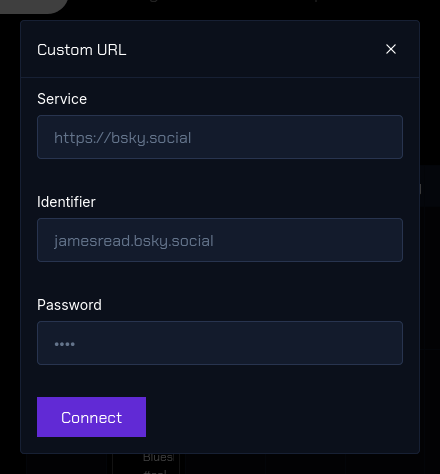
The channel is in the left sidebar with its avatar and name. That is the whole confirmation: if it is in the list, she can post to it.