> ## Documentation Index
> Fetch the complete documentation index at: https://docs.postqueen.ai/llms.txt
> Use this file to discover all available pages before exploring further.
> ## Agent Instructions
> PostQueen's hosted API is https://api.postqueen.ai. The public API base is https://api.postqueen.ai/public/v1 and takes the raw API key in the Authorization header, with no Bearer prefix.
> The MCP server for posting is https://api.postqueen.ai/mcp/YOUR_API_KEY (or /mcp with Authorization: Bearer YOUR_API_KEY). docs.postqueen.ai/mcp only searches these docs and cannot post.
> The API key is under Connections > API Keys in the app, and only workspace admins can see it.
# YouTube
> Connect YouTube to PostQueen, what you can post to it, and the limits PostQueen checks before a post is scheduled.
export const ChannelStatus = ({status, children}) => {
const look = ({
available: {
color: 'green',
label: 'Available'
},
'in-review': {
color: 'yellow',
label: 'In review'
},
soon: {
color: 'gray',
label: 'Soon'
}
})[status] || ({
color: 'gray',
label: status
});
return
{look.label}
{children ? {children} : null}
;
};
Until Google's audit of PostQueen's app passes, every upload is private, and all PostQueen customers share a limit of 100 uploads a day.
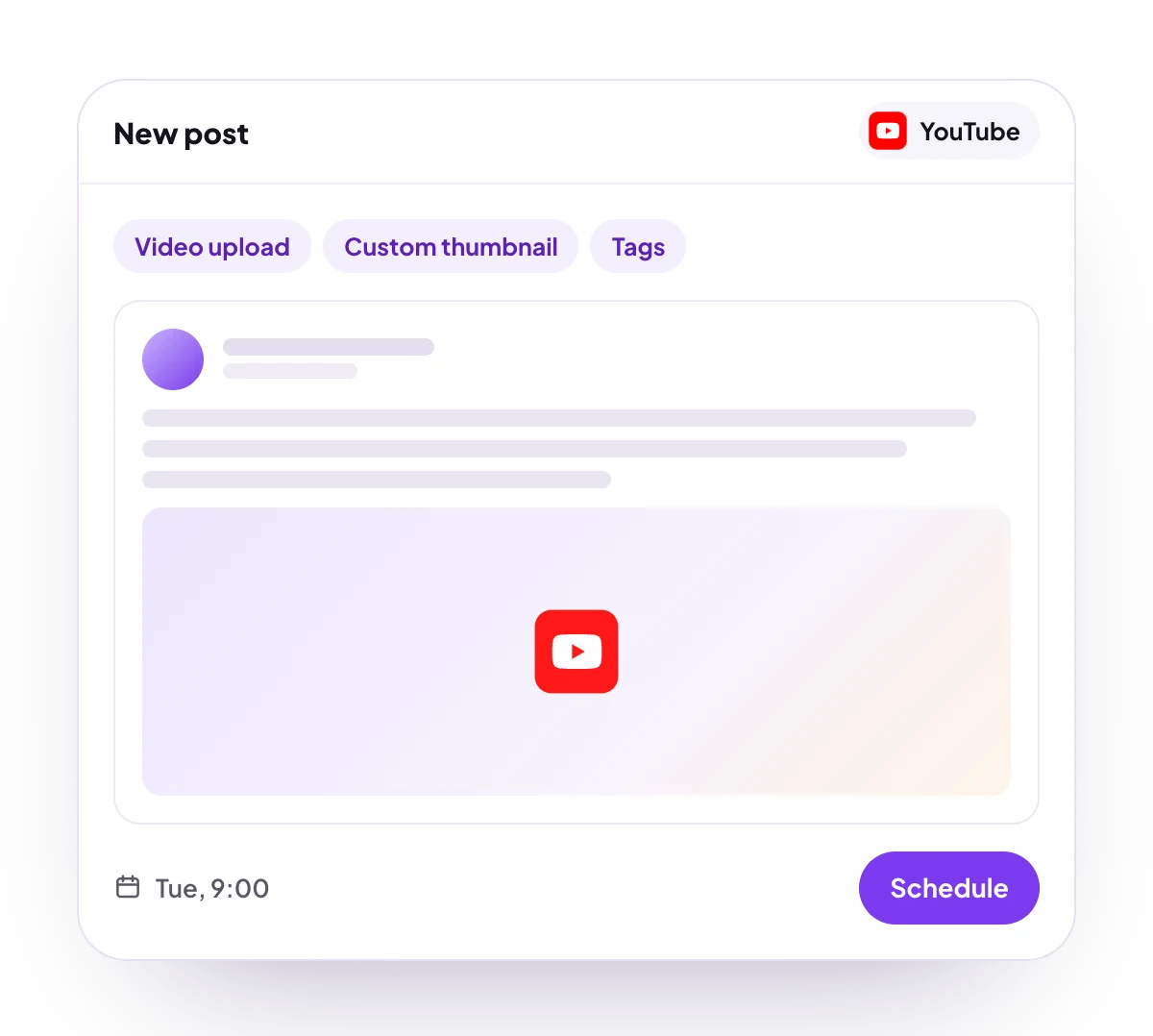
Upload videos to your YouTube channel on schedule with their title, description, tags, visibility, made-for-kids setting and your own thumbnail. PostQueen uploads them through YouTube's official API when their time comes.
## What you can post
A title of 2 to 100 characters and a description of up to 5,000 bytes, neither with `<` or `>`. Accented letters, emoji and non-Latin scripts take 2 to 4 bytes each.
One MP4 video per post, plus an optional JPEG or PNG thumbnail.
Video upload, set to public, unlisted or private, with up to 3 tags.
7, 30 or 90 days: views by day, watch time, average view duration and percentage, subscribers gained and lost, and likes, plus views, likes, comments and favorites for each video.
**Not supported:** Shorts as a separate format, Community posts, playlists, categories, premieres, scheduling inside YouTube, and follow-up comments.
## Checked before scheduling
PostQueen refuses a post that breaks these rules and shows the message in the composer:
| Rule | Message |
| ---------------------------------- | --------------------------------------------------------------------------------------------------------------------------- |
| Exactly one video | “You need one media” |
| The file is an MP4 | “Item must be a video” |
| No `<` or `>` in the title | “YouTube titles cannot contain \< or >” |
| No `<` or `>` in the description | “YouTube descriptions cannot contain \< or >” |
| Description up to 5,000 bytes | “YouTube descriptions can be at most 5,000 bytes, and accented letters, emoji and non-Latin scripts take 2 to 4 bytes each” |
| Tags up to 500 characters in total | “The maximum allowed is 500 characters in total for all tags.” |
The title is also held to 2 to 100 characters. The composer's counter shows the description in characters while YouTube measures it in bytes, so a description in another script can be refused before the counter reaches 5,000.
Video length and the thumbnail are YouTube's rules, and PostQueen does not check them first. YouTube takes videos up to 15 minutes on an unverified channel and up to 12 hours once the channel is verified, and custom thumbnails only on verified channels. A thumbnail problem is reported after the video is already up, for example "Your account is not verified, we have uploaded your video but we could not set the thumbnail. Please verify your account and try again."
## Connect YouTube
The Google account you sign in with must already own a YouTube channel.
YouTube is in review. Until Google's audit of PostQueen's app passes, every video goes up as private, whatever visibility you choose.
Open **Channels** and choose **Add Channel**, then **YouTube**.
Sign in with the Google account that owns the channel, and approve every permission you are asked for. PostQueen needs all of them.
In **Select YouTube Channel**, choose the channel to connect.
The channel appears in the **Channels** list with its avatar and name.
## Post settings
Each YouTube post in the composer has these settings. The post text is the video's description.
* **Title**: 2 to 100 characters. Required.
* **Type**: **Public**, **Private** or **Unlisted**. It starts on **Public**.
* **Made for kids**: **No** or **Yes**. It starts on **No**.
* **Tags**: up to 3 tags, 500 characters in total. A tag with a space counts 2 extra characters, because YouTube wraps it in quotes.
* **Thumbnail**: an optional picture, set as the video's thumbnail right after the upload.
The field names and values for the API are on [YouTube posting settings](/public-api/providers/youtube).
## Comments and threads
YouTube takes no follow-up comments or threads, so the composer offers no follow-up parts for a YouTube post.
## Good to know
* Your subscribers are always notified of a new upload.
* The upload starts at the scheduled time. A large file takes a while to go up, and an interrupted upload resumes where it stopped, so it never leaves a broken video behind.
* YouTube itself counts square or vertical videos up to 3 minutes as Shorts. There is no separate Shorts option.
* The connection renews itself.
* During the free trial, a YouTube account that another PostQueen workspace already connected is refused until you end the trial.
## Troubleshooting
The Google account you signed in with has no YouTube channel. Create one in YouTube, or sign in with the account that owns it, then connect again.
A permission was switched off on Google's screen. Connect the channel again and approve every permission.
The shared daily upload limit was reached. Move the post to tomorrow.
The Google account has no YouTube channel set up yet. Create the channel in YouTube, then schedule the post again.
Google no longer accepts the connection, for example after a password change or when access was removed in your Google account. Choose **Reconnect channel** in the channel's menu.
## Next steps
Write once for several channels, then schedule it, save a draft or post now.
Which networks you can connect today, what each one posts, and its text limit.
Ask Claude, ChatGPT, Grok Bot or another agent to schedule the post for you.
Why a post fails and what to do about it.