> ## Documentation Index
> Fetch the complete documentation index at: https://docs.postqueen.ai/llms.txt
> Use this file to discover all available pages before exploring further.
> ## Agent Instructions
> PostQueen's hosted API is https://api.postqueen.ai. The public API base is https://api.postqueen.ai/public/v1 and takes the raw API key in the Authorization header, with no Bearer prefix.
> The MCP server for posting is https://api.postqueen.ai/mcp/YOUR_API_KEY (or /mcp with Authorization: Bearer YOUR_API_KEY). docs.postqueen.ai/mcp only searches these docs and cannot post.
> The API key is under Connections > API Keys in the app, and only workspace admins can see it.
# Whop
> What PostQueen will post to Whop forums, and the limits it checks before a post is scheduled.
export const ChannelStatus = ({status, children}) => {
const look = ({
available: {
color: 'green',
label: 'Available'
},
'in-review': {
color: 'yellow',
label: 'In review'
},
soon: {
color: 'gray',
label: 'Soon'
}
})[status] || ({
color: 'gray',
label: status
});
return
{look.label}
{children ? {children} : null}
;
};
Cannot be connected on PostQueen yet.
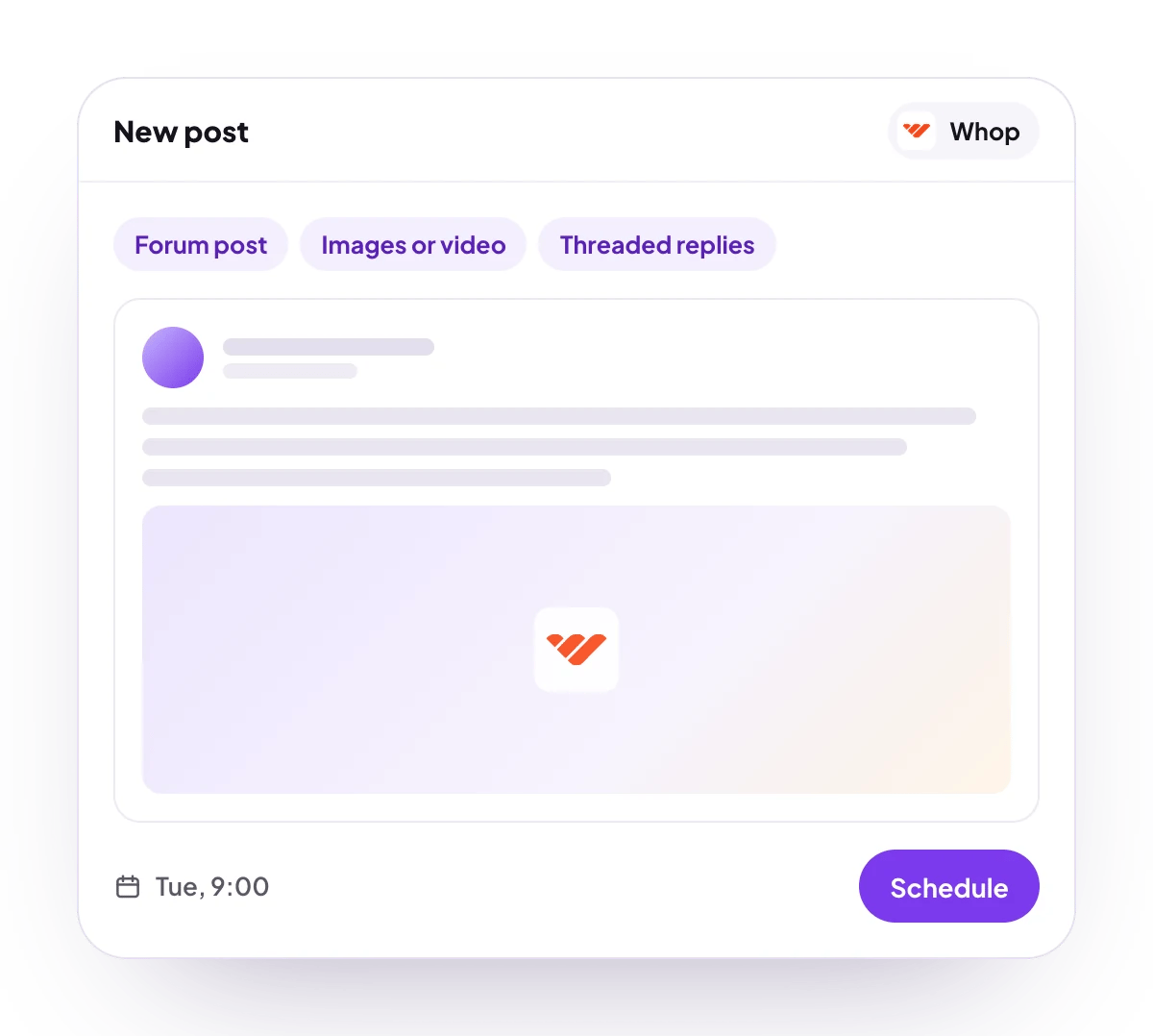
PostQueen will post Markdown forum posts with images or video to the forums of the Whop companies you have access to, with follow-ups as threaded replies.
## What you can post
Up to 50,000 characters, sent as Markdown.
Images or video, uploaded to Whop and attached to the post.
A forum post, with or without a title, and threaded replies.
No analytics for Whop.
## Connect Whop
Whop is listed in **Add Channel**, but it cannot be connected on PostQueen yet.
## Post settings
Each Whop post in the composer has these settings:
* **Select Company**: the company whose forums are listed. Required.
* **Select Forum**: the forum to post in. Required.
* **Title (optional)**: the post's title. Left empty, the post has none.
The field names and values for the API are on [Whop posting settings](/public-api/providers/whop).
## Good to know
* Before a post is scheduled, PostQueen checks that it is at most 50,000 characters and that a company and a forum are picked.
* **Add comment** adds replies, each with its own delay and its own attachments. The first replies to the post, and each later one replies to the one before it.
* Every file is uploaded to Whop before the post is created. If Whop has not finished processing a file after about 9 minutes, the post fails with "File upload timed out".
* The company and forum lists show the first 50 of each.
* A post to a forum that was deleted, or that you no longer have access to, fails with "Forum or experience not found".
## Next steps
Write once for several channels, then schedule it, save a draft or post now.
Which networks you can connect today, what each one posts, and its text limit.
Ask Claude, ChatGPT, Grok Bot or another agent to schedule the post for you.
Why a post fails and what to do about it.