> ## Documentation Index
> Fetch the complete documentation index at: https://docs.postqueen.ai/llms.txt
> Use this file to discover all available pages before exploring further.
> ## Agent Instructions
> PostQueen's hosted API is https://api.postqueen.ai. The public API base is https://api.postqueen.ai/public/v1 and takes the raw API key in the Authorization header, with no Bearer prefix.
> The MCP server for posting is https://api.postqueen.ai/mcp/YOUR_API_KEY (or /mcp with Authorization: Bearer YOUR_API_KEY). docs.postqueen.ai/mcp only searches these docs and cannot post.
> The API key is under Connections > API Keys in the app, and only workspace admins can see it.
# Pinterest
> What PostQueen will post to Pinterest, and the limits it checks before a post is scheduled.
export const ChannelStatus = ({status, children}) => {
const look = ({
available: {
color: 'green',
label: 'Available'
},
'in-review': {
color: 'yellow',
label: 'In review'
},
soon: {
color: 'gray',
label: 'Soon'
}
})[status] || ({
color: 'gray',
label: status
});
return
{look.label}
{children ? {children} : null}
;
};
Cannot be connected on PostQueen yet.
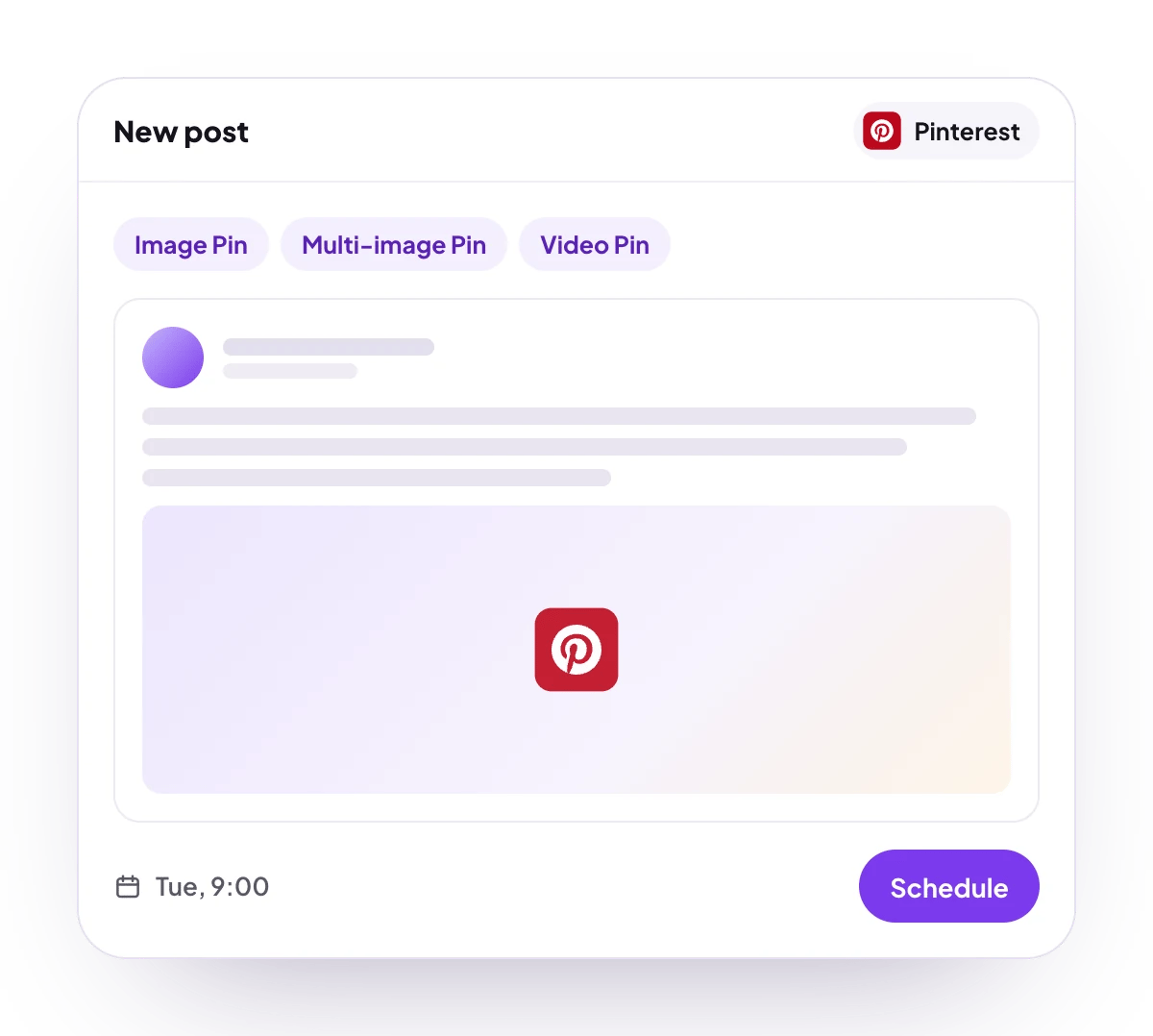
PostQueen will post image Pins, multi-image Pins and video Pins to the board you choose, each with a title, a description and a destination link.
## What you can post
A description of up to 800 characters, and an optional Pin title of up to 100.
Always required: one image, 2 to 5 images of the same width and height, or one MP4 video with a cover image as the second item.
Image Pin, multi-image Pin and video Pin, saved to one of your boards.
7, 30 or 90 days: impressions, Pin clicks, Pin click rate, engagement and saves by day, plus impressions, Pin clicks, outbound clicks and saves for each Pin. No follower count.
**Not supported:** text-only Pins, comments or follow-ups, alt text, topic tags and board sections.
## Connect Pinterest
Pinterest is listed in **Add Channel**, but it cannot be connected on PostQueen yet. Every Pin goes to a board, so the Pinterest account needs at least one.
## Post settings
Each Pinterest post in the composer has these settings:
* **Title**: the Pin title, up to 100 characters. Optional.
* **Link**: where the Pin sends people who click it. Optional.
* **Select board**: the board the Pin is saved to. Required. Your boards load into the list, up to 250 of them.
* **Select Pin Color**: a background color Pinterest shows while the Pin loads. Off until you turn it on.
The post text becomes the Pin description. The field names and values for the API are on [Pinterest posting settings](/public-api/providers/pinterest).
## Good to know
* Before a post is scheduled, PostQueen checks that it has 1 to 5 media items, that the images in a multi-image Pin all have the same width and height, and that a video comes with exactly one cover image.
* Video length, file size and format are Pinterest's rules, and PostQueen does not check them first. Pinterest takes video Pins of 4 seconds to 5 minutes and images of up to 20 MB.
* A video is uploaded first, and PostQueen waits up to about 30 minutes while Pinterest processes it before the Pin is created.
* Pinterest has no way to tell whether an interrupted Pin went out. PostQueen then stops and asks you to check the account instead of pinning twice.
* The numbers for each Pin cover the last 89 days, not the Pin's whole life.
## Next steps
Write once for several channels, then schedule it, save a draft or post now.
Which networks you can connect today, what each one posts, and its text limit.
Ask Claude, ChatGPT, Grok Bot or another agent to schedule the post for you.
Why a post fails and what to do about it.