> ## Documentation Index
> Fetch the complete documentation index at: https://docs.postqueen.ai/llms.txt
> Use this file to discover all available pages before exploring further.
> ## Agent Instructions
> PostQueen's hosted API is https://api.postqueen.ai. The public API base is https://api.postqueen.ai/public/v1 and takes the raw API key in the Authorization header, with no Bearer prefix.
> The MCP server for posting is https://api.postqueen.ai/mcp/YOUR_API_KEY (or /mcp with Authorization: Bearer YOUR_API_KEY). docs.postqueen.ai/mcp only searches these docs and cannot post.
> The API key is under Connections > API Keys in the app, and only workspace admins can see it.
# MeWe
> What PostQueen will post to MeWe, and the limits it checks before a post is scheduled.
export const ChannelStatus = ({status, children}) => {
const look = ({
available: {
color: 'green',
label: 'Available'
},
'in-review': {
color: 'yellow',
label: 'In review'
},
soon: {
color: 'gray',
label: 'Soon'
}
})[status] || ({
color: 'gray',
label: status
});
return
{look.label}
{children ? {children} : null}
;
};
Cannot be connected on PostQueen yet.
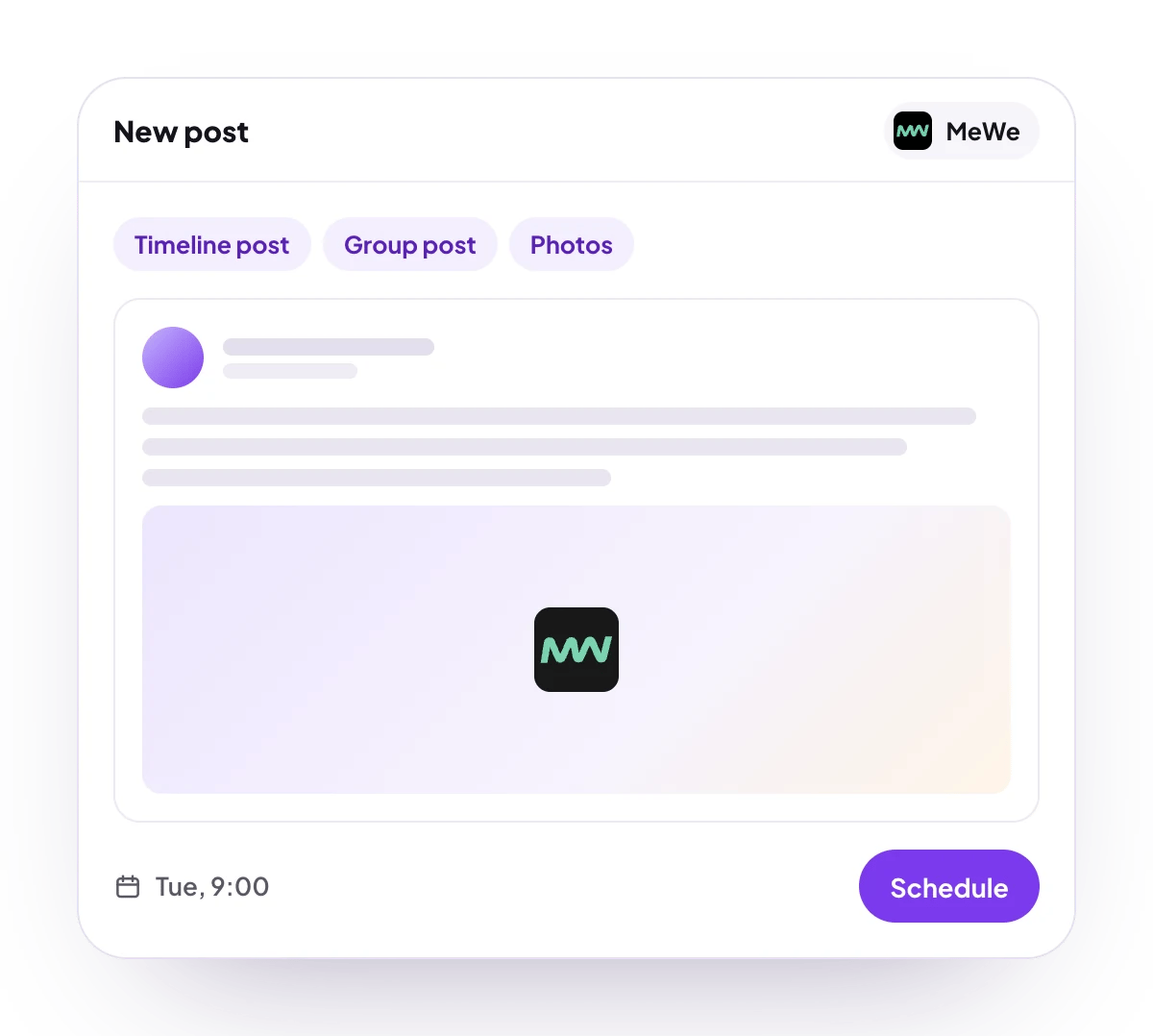
PostQueen will post text and photos to your MeWe timeline or to one of your MeWe groups.
## What you can post
Up to 63,206 characters.
Photos. MP4 video is left out of the post.
Timeline post, or a post to one group you belong to.
No analytics for MeWe.
**Not supported:** video, MeWe pages, several groups in one post, and comments or follow-ups.
## Connect MeWe
MeWe is listed in **Add Channel**, but it cannot be connected on PostQueen yet.
## Post settings
Each MeWe post in the composer has these settings:
* **Post To**: **My Timeline** or **Group**. It starts on **My Timeline**.
* **Select Group**: the group to post to, for a **Group** post. Required there: a group post without one is refused with "Select a group to post to".
The field names and values for the API are on [MeWe posting settings](/public-api/providers/mewe).
## Good to know
* Only MP4 files are left out. Any other file, a MOV video included, is sent to MeWe as a photo, and MeWe may refuse it.
* The link to a published post opens your timeline or the group, not the post itself.
* The connection lasts until MeWe's sign-in expires, or 30 days, and cannot be renewed on its own. Reconnect the channel when it asks.
## Next steps
Write once for several channels, then schedule it, save a draft or post now.
Which networks you can connect today, what each one posts, and its text limit.
Ask Claude, ChatGPT, Grok Bot or another agent to schedule the post for you.
Why a post fails and what to do about it.